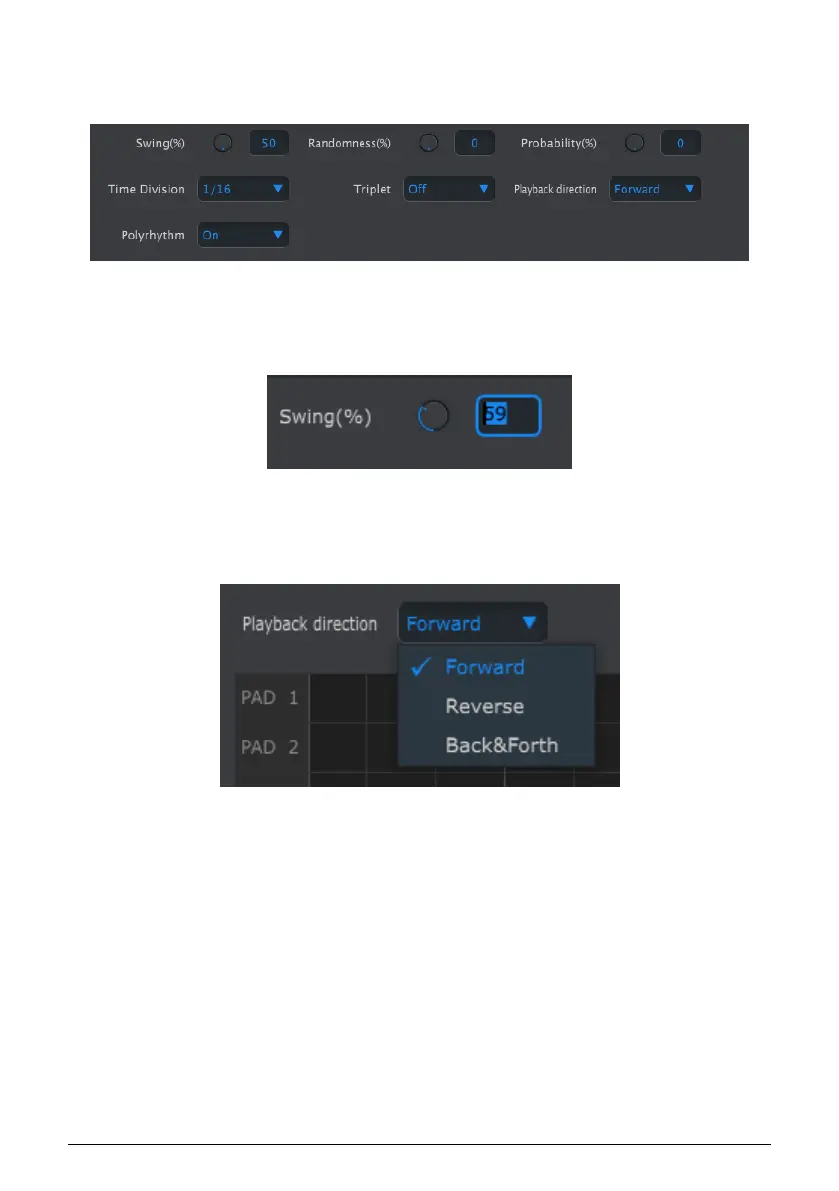
10.7.2. Front-panel features
Most of these parameters have been covered in the Drum Sequencer [p.38] chapter:
To edit Swing %, for example, click and drag the knob graphic or double-click in the value
field and enter a new value:
To edit a parameter such as Playback Direction, click its pull-down menu and make a
selection:
Front-panel parameters for the DRUM tab
Editing a knob value
Selecting a pull-down menu option
Arturia - User Manual BeatStep Pro - MIDI Control Center 104












 To Next Page