10.5.2. SEQ1 & SEQ2 Tab
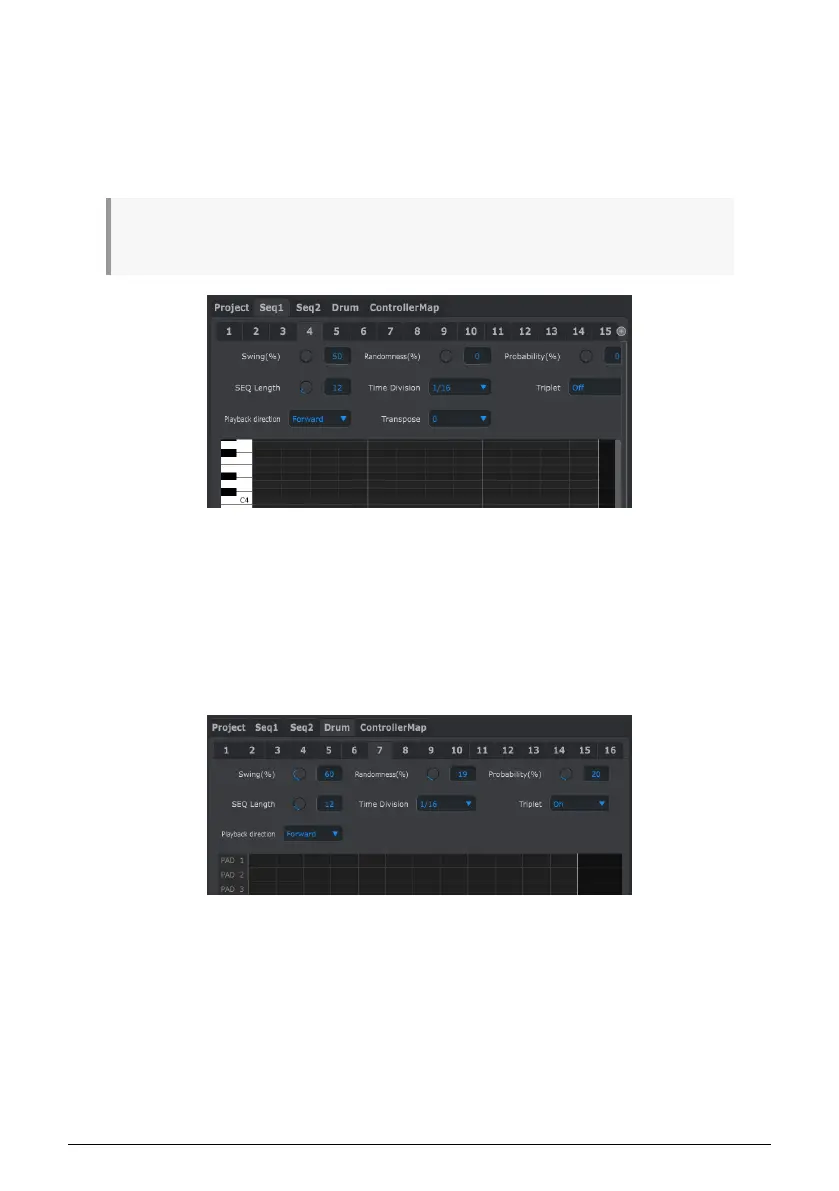
The tabs for SEQ1 and SEQ2 are identical. We’ll cover them in the Sequence Window [p.97]
section below, but there is one feature we’d like to point out here: pattern selection.
Click one of the SEQ1/SEQ2 tabs and look below it for the second set of tabs immediately
below the 5 mode tabs. These allow you to select the patterns within each Sequencer.
♪: If you’re using a laptop with a smaller screen you might see a plus sign (+) on the right, as we’ve
shown next to tab 15. This allows you to select the patterns you can’t see at first.
10.5.3. DRUM Tab
The Drum tab contains almost all of the same parameters as the SEQ1/SEQ2 tabs. We’ll
cover them in the Drum Window [p.103] section, but we’d like to point out the pattern
selection feature here.
Click the DRUM tab and look below it for the second set of tabs immediately below the 5
mode tabs. These allow you to select the individual patterns within the Drum sequencer.
95 Arturia - User Manual BeatStep Pro - MIDI Control Center












 To Next Page