10.9.7.5. Wait to Load Pattern
Similarly to the wait to Load Project, you can choose if you want the patterns to switch
instantaneously or wait until the end of the current pattern before switching.
There also is a front-panel shortcut that will toggle the Wait to Load Pattern parameter on
and off. From Control Mode, hold SHIFT and press Step button 14. When the Step button is
lit, Wait to Load Pattern is On. When it is not lit, Wait to Load Pattern is disabled.
If PRST LNK is On and this function is active, BeatStep Pro will wait until the end of the DRUM
pattern.
This parameter also affects when a selected Scene will be loaded. It also instructs the
BeatStep Pro to delay its response to incoming MIDI Program changes and Song Select
messages.
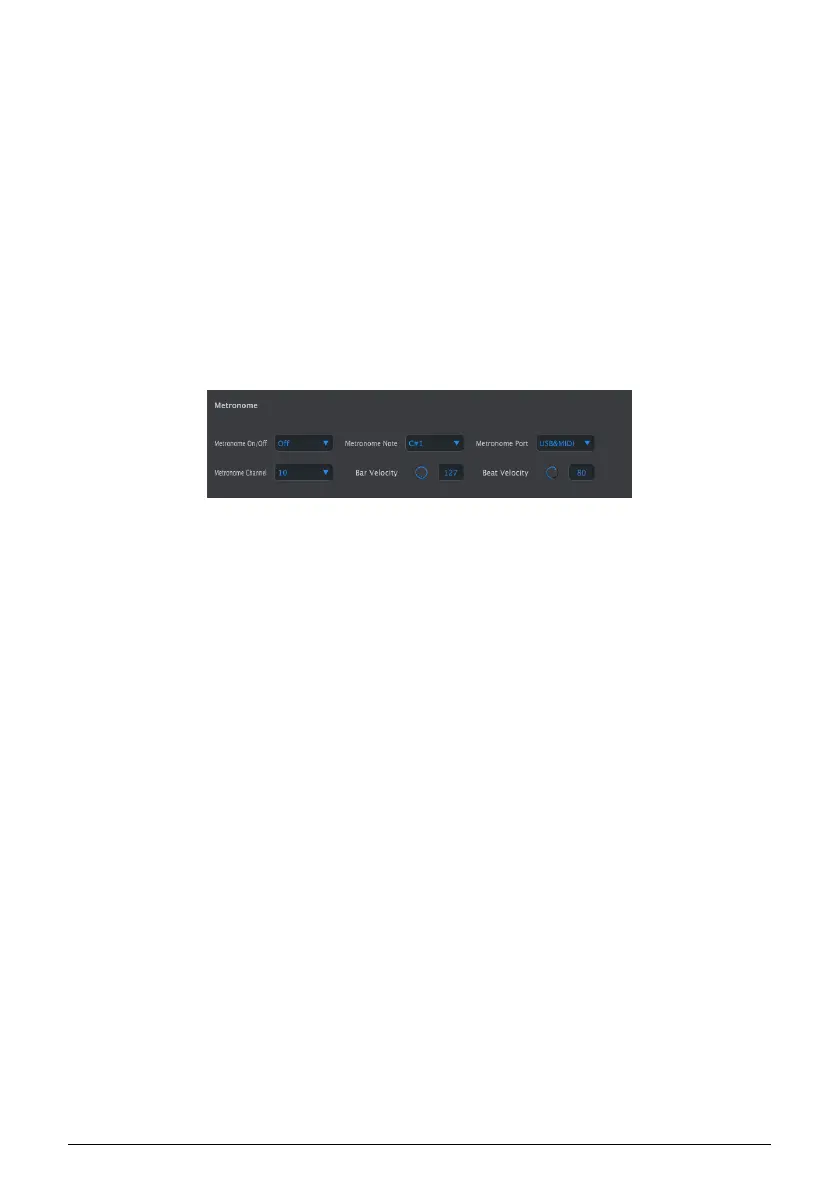
10.9.8. Metronome
These parameters work together to define the metronome:
• On/Off: when set to On the Metronome will be enabled by default when the unit
first powers up.
• Note: select the MIDI note of the metronome sound
• Port: the metronome note can be sent to external MIDI, your computer via USB,
or both.
• Channel: choose the MIDI channel of the metronome sound
• Bar Velocity: set the velocity at which the metronome note will play on the
downbeat of each bar.
• Beat Velocity: set the velocity at which the metronome note will play in the
middle of each bar.
Arturia - User Manual BeatStep Pro - MIDI Control Center 122












 To Next Page