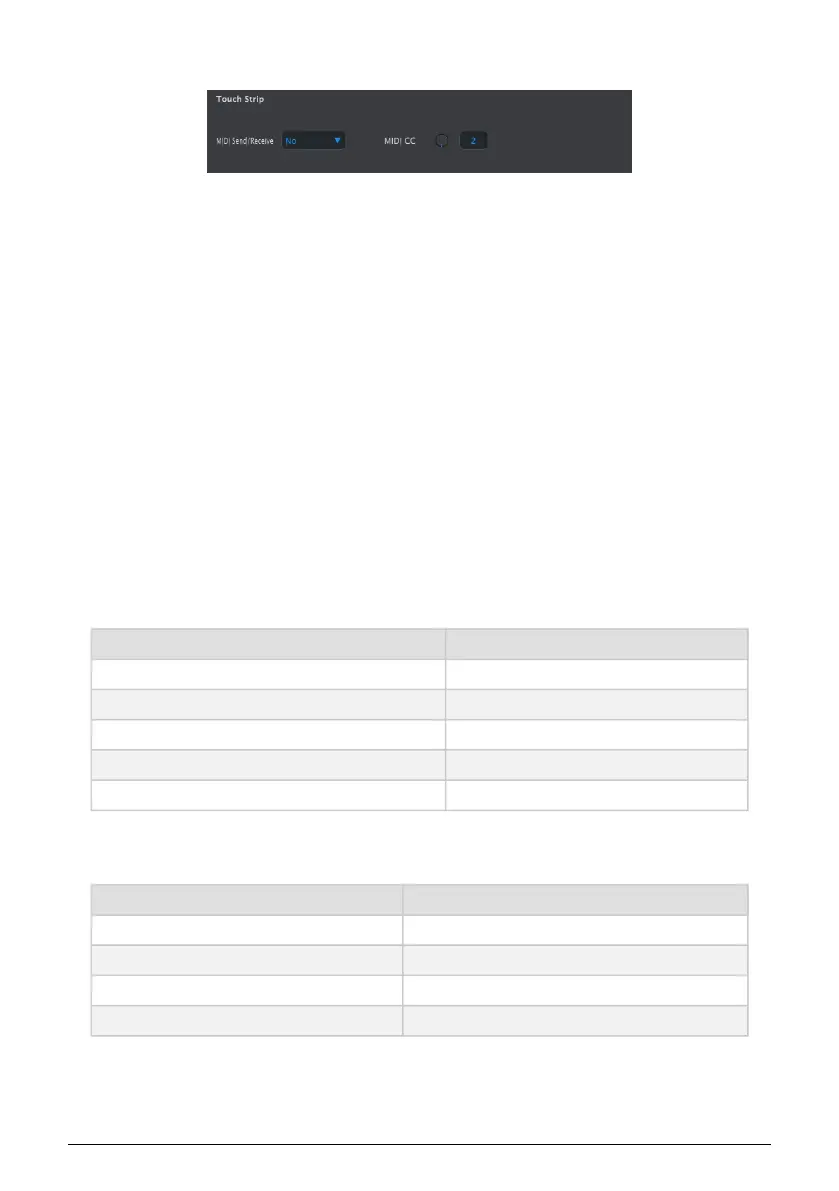
10.9.2. Touch Strip
10.9.2.1. MIDI Send/Receive
Use the pull-down menu to specify whether the BeatStep Pro will send and reeceive MIDI
controller data. The range of transmitted and recognized values is detailed in Using the
Touch Strip with a DAW [p.117].
10.9.2.2. MIDI CC
Use the virtual knob or the value field to select the MIDI CC number the Touch Strip will
transmit and receive.
10.9.2.3. Using the Touch Strip with a DAW
The activity on the touch strip can be recorded into a DAW when the MIDI Send/Receive
parameter is enabled. It will send values for MIDI CC #9 by default, but you can select a
different MIDI CC# as described above.
The touch strip will send only the following values:
Touch strip region MIDI CC value
1/4 25
1/8 50
1/16 75
1/32 100
release value 0
However, if you draw a controller curve for the touch strip in your DAW the BeatStep Pro will
respond to the values in the following way:
MIDI CC value received Touch strip region selected
1-25 1/4
26-50 1/8
51-75 1/16
76-100 1/32
117 Arturia - User Manual BeatStep Pro - MIDI Control Center












 To Next Page