10.8. Controller window
Here are some examples of what you can assign a BeatStep Pro control to do using the
MIDI Control Center:
• Configure Step buttons or pads to transmit MIDI notes
• Set a pad to switch between two values of any MIDI CC# each time it is played
• Assign an encoder to control any MIDI CC# and define its operational range
♪: If Scene Mode [p.82] has been enabled the assignments made to the Step buttons in the MIDI
Control Center will not be available from the front panel of the BeatStep Pro. They will be remembered,
however, so if Scene Mode is disabled the Step buttons will again be able to transmit the specified MIDI
commands.
We’ll take you through two examples of those scenarios in this chapter. For more detailed
information please refer to the MIDI Control Center manual.
10.8.1. Common features
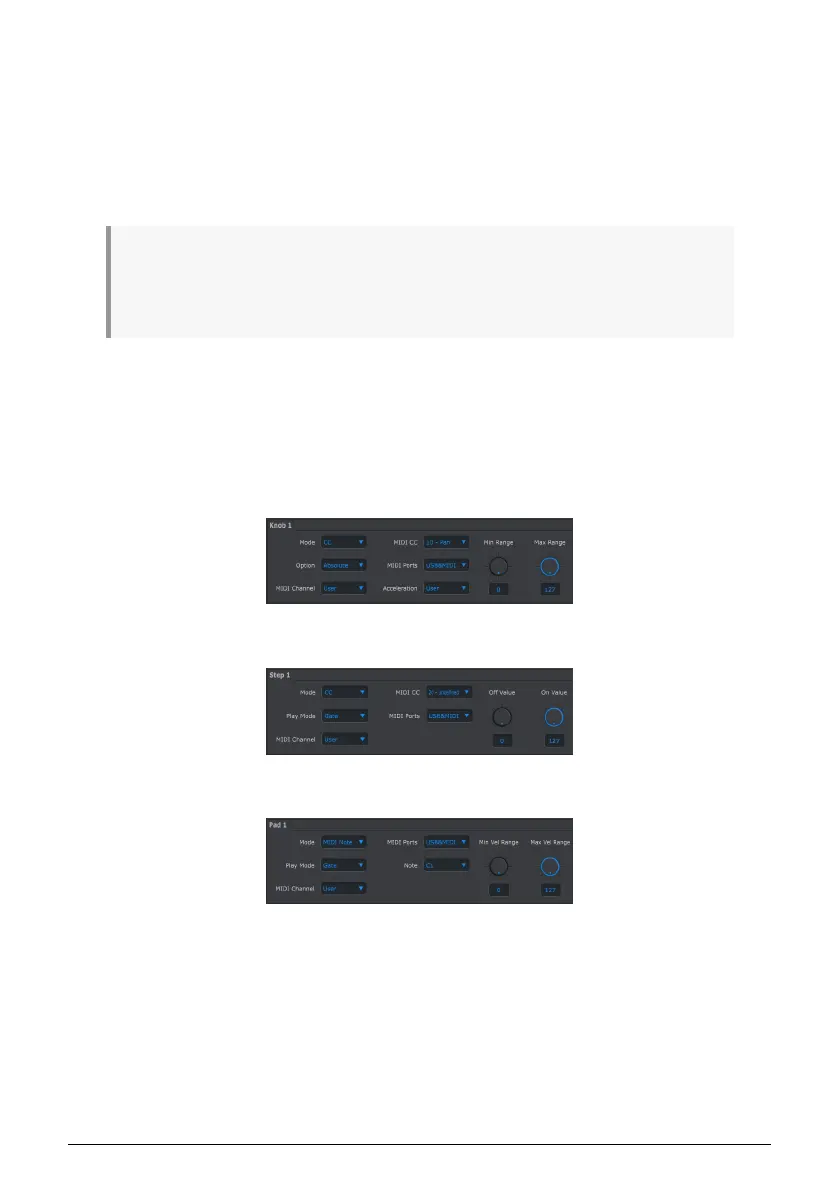
When each control is selected a tab appears at the bottom of the Controller window. They
have many similar features:
Each has pull-down menus with additional options. For example, the Mode of a pad can also
be assigned to CC:
Knob control options
Step button control options
Pad control options
Arturia - User Manual BeatStep Pro - MIDI Control Center 110












 To Next Page