10.7.5.6. TIE an event
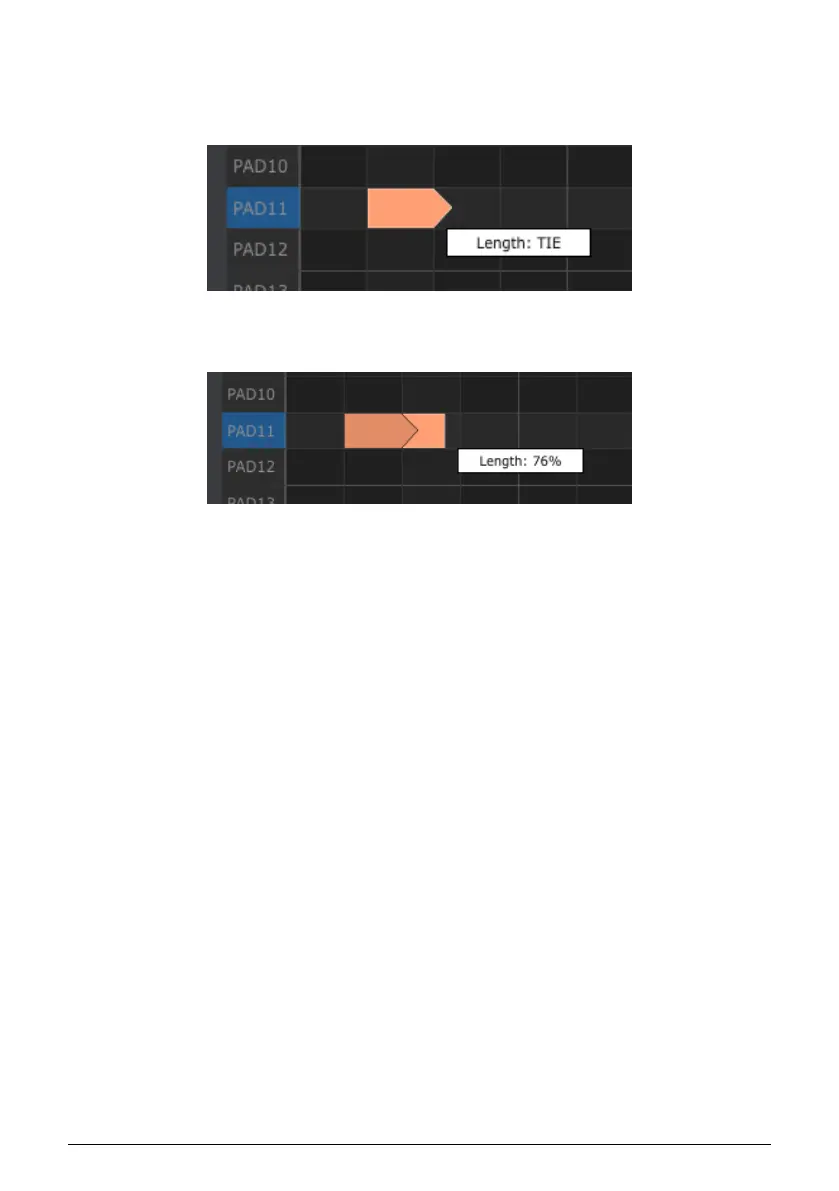
If you continue dragging the horizontal cursor to the right past 99%, a value of TIE will
appear. The right edge of the event will become an arrow:
A new event will appear in the next Step. The overlapped arrow shows that the two events
are tied:
You can continue dragging the cursor to set the Gate time of the second event. If you want
an even longer event, you can keep dragging the cursor until the second event’s length value
also becomes TIE, and so on.
When the lengths of multiple events are edited at the same time they will all change to the
same value.
109 Arturia - User Manual BeatStep Pro - MIDI Control Center












 To Next Page