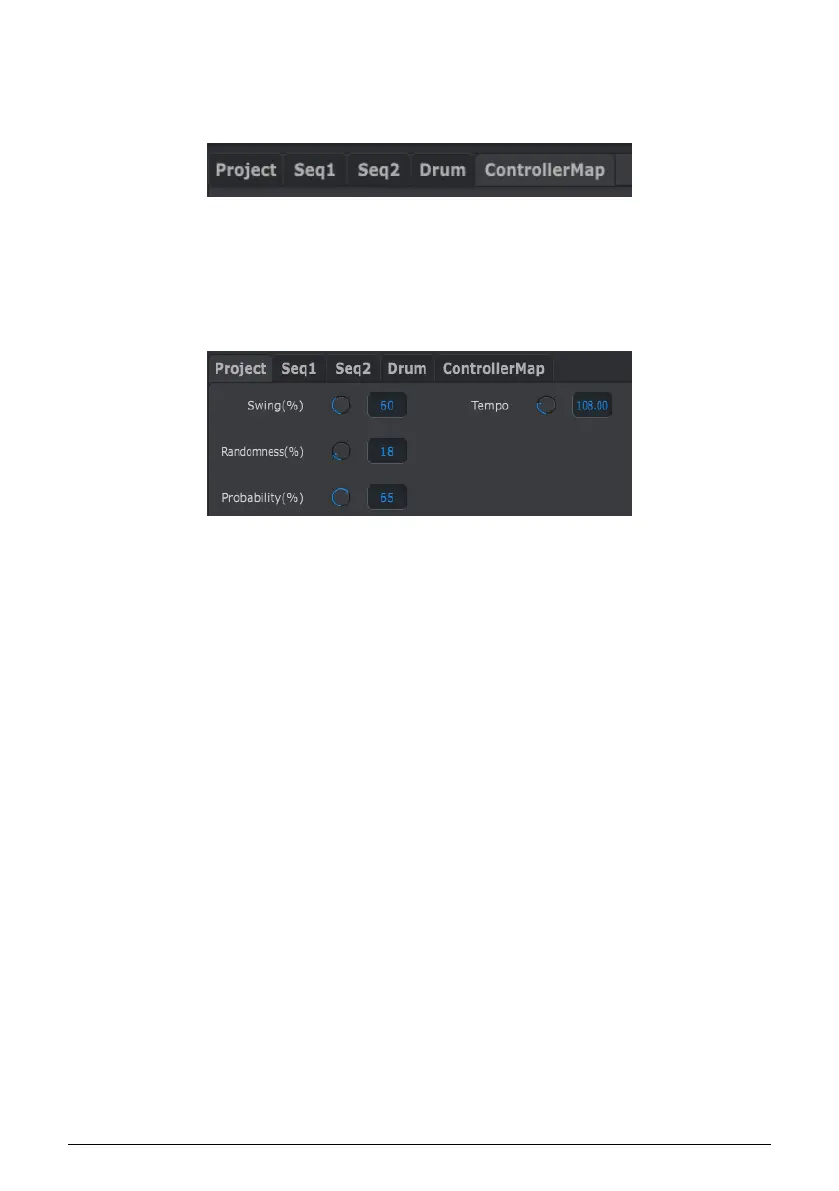
10.5. Tabs
The middle window of the MIDI Control Center has five tabs, each of which contains the
parameters for the various modes of the BeatStep Pro.
Simply click on a tab to select its window.
10.5.1. Project Tab
The Project tab contains four parameters:
• Swing / Randomness / Probability [p.10]
• Tempo [p.11]
Of these four parameters, three can be overridden by one of the CURRENT TRACK buttons.
In this case the individual settings per sequencer will take effect. See the Current Track
button (Swing) [p.51] and Current Track button (Randomness/Probability) [p.53] sections of
the Projects [p.49] chapter for more information about those features.
Arturia - User Manual BeatStep Pro - MIDI Control Center 94












 To Next Page