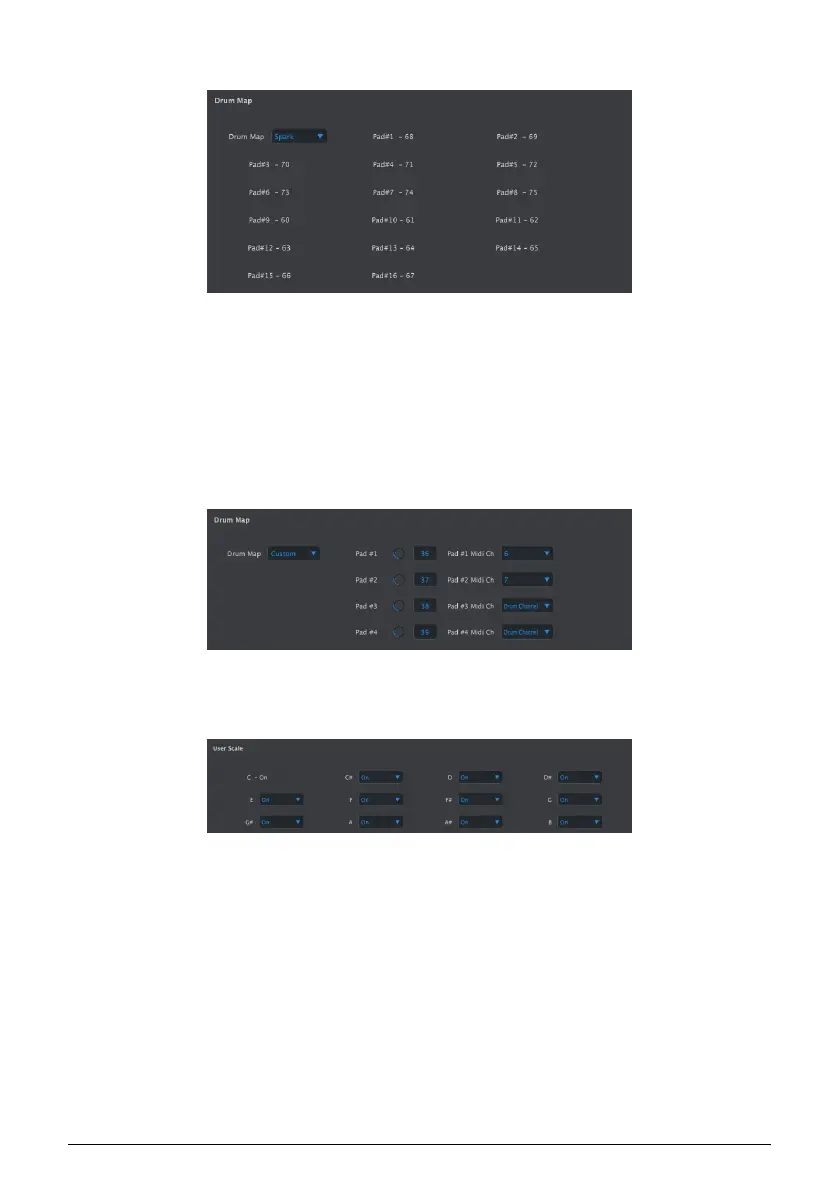
10.9.10. Drum Map
There are four options for the MIDI note assignments of the pads in Drum mode:
• Chromatic: MIDI notes 36-51 are spread evenly across pads 1-16
• General MIDI: pads 1-16 conform to the General MIDI specification.
• Spark: Conforms to the layout of our Spark drum controllers.
• Custom: user-definable drum mapping. Enter a MIDI note value for each pad
with its knob or by double-clicking in the field and entering a number. Each drum
can also be assigned to any one of the 16 MIDI channels or the Drum Send
Channel [p.118].
10.9.11. User Scale
To create your own User Scale for the encoders, turn each note on or off.
For example, if you wanted to set up a whole-tone scale that starts with C, turn off C#, D#,
F, G, A and B. That way the encoders will only select C, D, E, F#, G# and A# when they are
turned.
As with the other Scales, if the User Scale is selected it will dictate which notes will played
back by a sequence. See the Scales [p.28] section of the Step Sequencer [p.24] chapter for
more information.
Arturia - User Manual BeatStep Pro - MIDI Control Center 124












 To Next Page