2.3. Making a Project
BeatStep Pro is such a spontaneous compositional tool that as soon as you change almost
anything, you have started a new Project. At the heart of each Project are the patterns it
contains, so let’s take a quick look at how to record a pattern.
2.3.1. Select a Sequencer
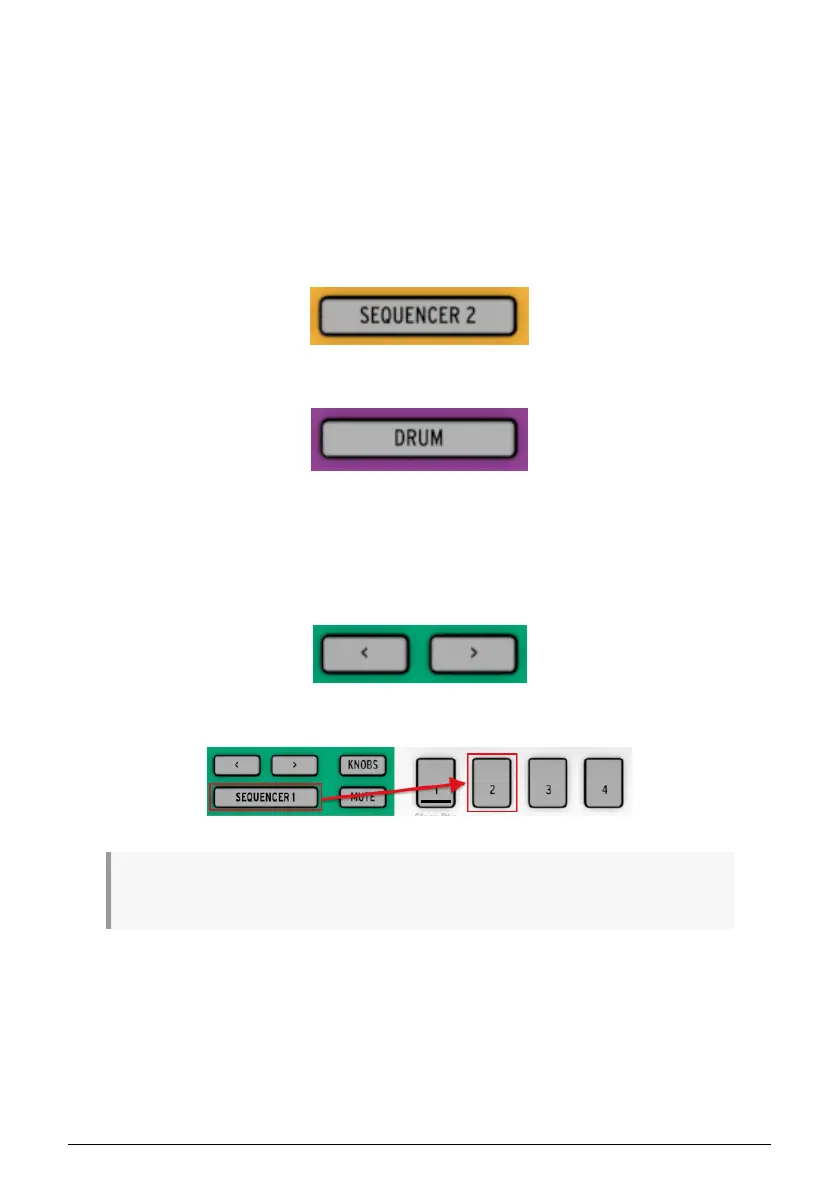
First decide which of the three sequencers you want to use as the basis for your Project. If
you have a melody in your head or want to improvise a bass line, select either SEQ1 or SEQ2
by pressing its button.
If you prefer to start building a drum pattern first, press the DRUM button instead.
2.3.2. Select a pattern
You can record to any one of the 16 patterns. There are two ways to select a pattern:
• Use the < > buttons until you reach the desired pattern number
• Hold the sequencer select button and press one of the 16 Step buttons
♪: It isn’t necessary to have the pattern numbers be the same for all three sequencers: you can have
SEQ1 set to pattern 01, SEQ2 set to pattern 02, and DRUM set to pattern 03.
19 Arturia - User Manual BeatStep Pro - Basic Operations












 To Next Page