10.1.3. Connection
Connect BeatStep Pro to your computer using the included USB cable. It’ll be ready to go
after its LEDs go through the startup cycle.
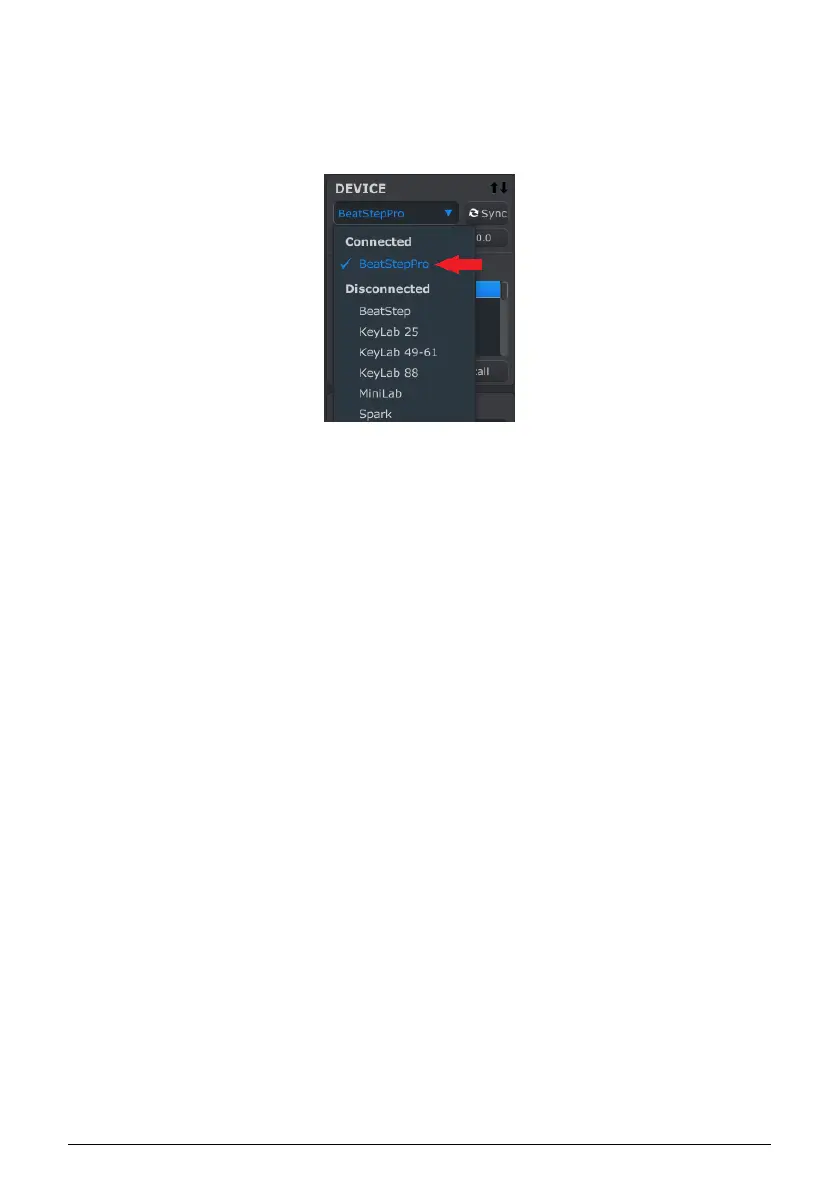
Now launch the MIDI Control Center. BeatStep Pro will be in the list of connected devices:
10.1.3.1. Potential issues: Windows OS
The MIDI driver for the BeatStep Pro is not "multi-client". That's a technical term that
simply means this: If a DAW application is already active on your computer, the MIDI
Control Center will launch but BSP won't be detected properly. In order to use the MIDI
Control Center to alter the parameters of your BeatStep Pro you will need to exit the DAW
application.
85 Arturia - User Manual BeatStep Pro - MIDI Control Center












 To Next Page