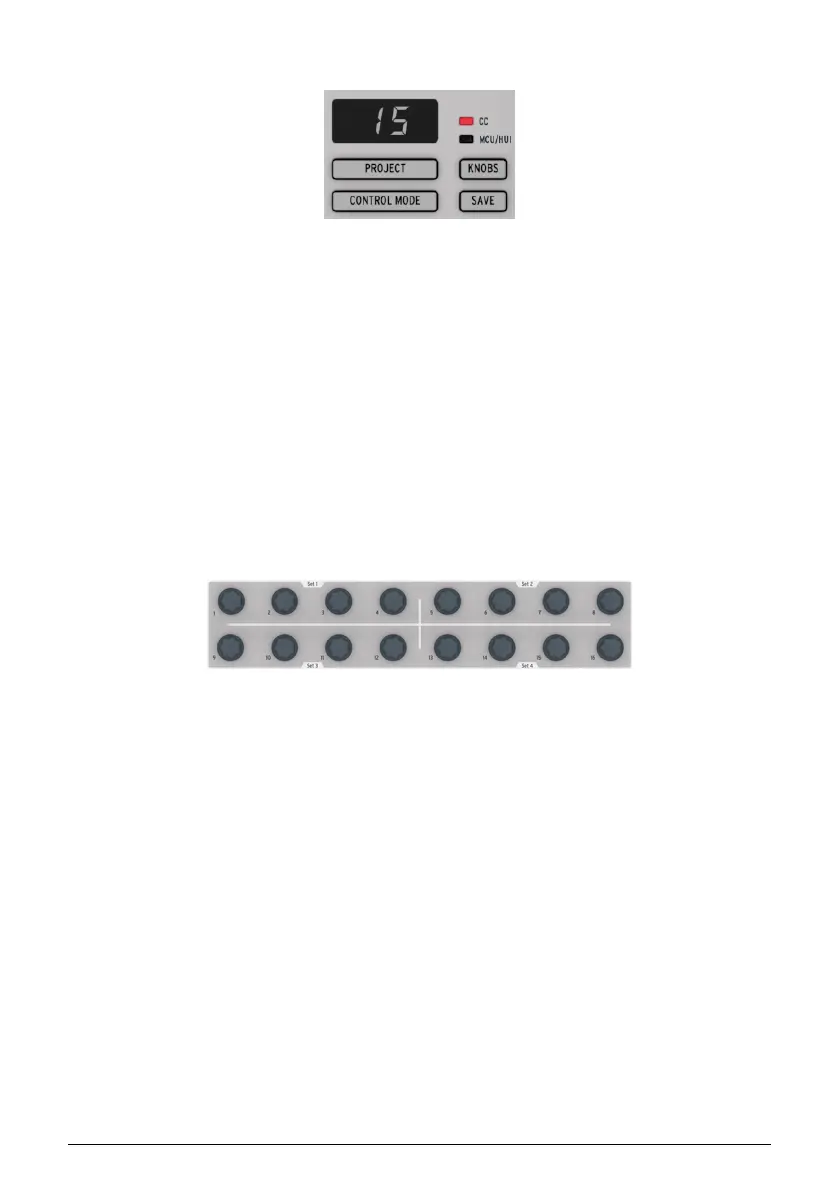
1.2.7. Project/Control modes
There are 16 Projects available in the BeatStep Pro, and each Project contains 16 patterns per
sequencer. This allows for tens of thousands of possible combinations, all available instantly.
The Project button is used to select the desired Project.
Each Project also contains 16 Scenes [p.82]. Each Scene contains a pattern or a chain [p.66]
of patterns for SEQ1, SEQ2, and DRUM.
The Control Mode button transforms the BeatStep Pro front panel into a monster MIDI
controller, with every encoder, pad, and button on the right side of the instrument able
to send data to external MIDI devices and/or your computer. The MIDI messages can be
precisely defined by the MIDI Control Center software, which is available for free on the
Arturia website.
For a full explanation of these features, see the Project [p.49] and Control Mode [p.79]
chapters.
1.2.8. Control Encoders
The 16 "endless" encoders are highly versatile:
• In Control Mode they become fully assignable encoders for sending MIDI data
(CC, program change, NRPN, etc.).
• They will edit the Pitch, Velocity or Gate time for each step in a sequence.
• They can shift the timing of individual drums forward or backward (Drum
sequencer only)
• They are touch-sensitive, so when you want to know the current value of a
parameter before you edit it, simply touch the corresponding encoder.
And we’ve only scratched the surface of what the encoders can do. To learn more about
them, see Encoders [p.26], Selecting the Encoder Editing Options [p.41], and the Control Mode
[p.79] chapter.
Arturia - User Manual BeatStep Pro - BeatStep Pro Overview 12












 To Next Page