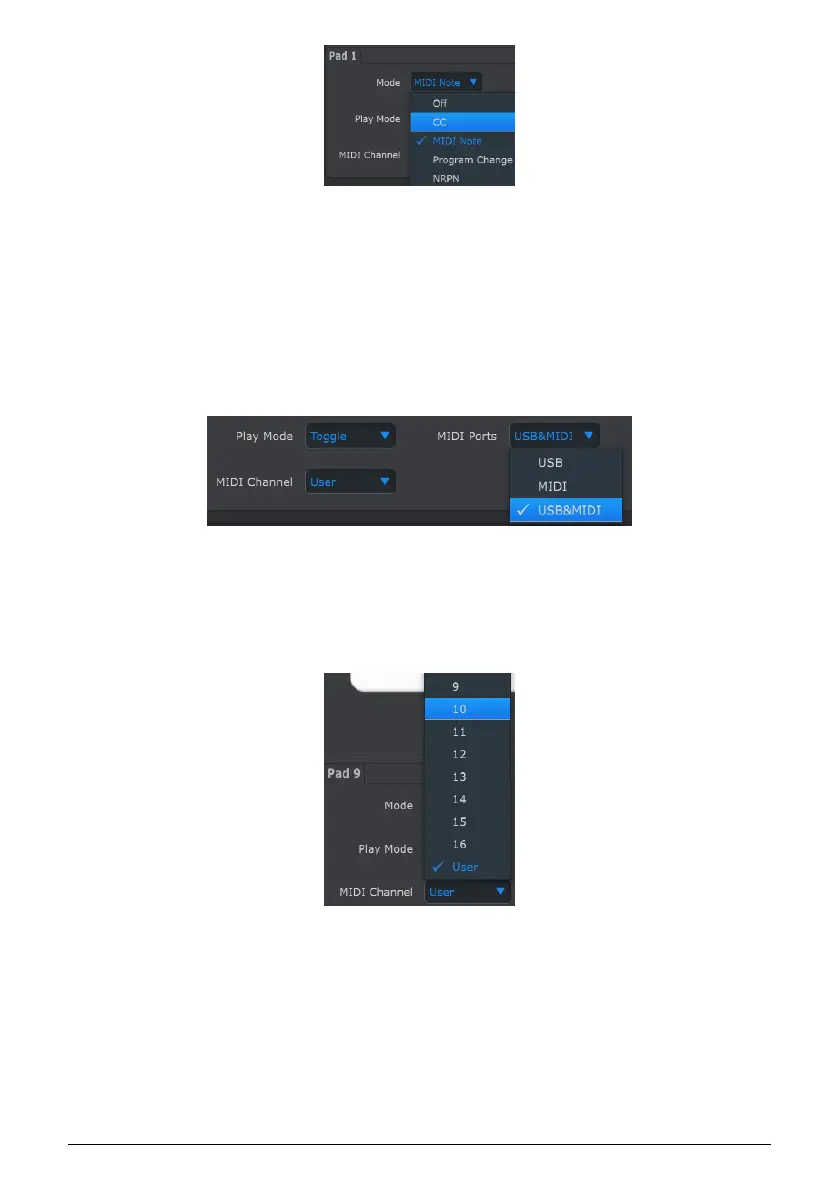
The options of each field are different for each control type.
However, there are two fields that are always available for each control: MIDI Port and MIDI
Channel.
10.8.1.1. MIDI Port
There is an option that allows you to choose whether the MIDI data for each control will be
sent out of the physical MIDI port, the USB connection to your computer, or both.
10.8.1.2. MIDI Channel control
Another option is available for setting the MIDI channel for the control. Be sure to check the
MIDI Channel assignment to make sure it matches that of the receiving device.
The “User” setting allows you to change the MIDI channel of this control from within Control
Mode by holding the CHAN button + pressing a Step button.
So for each control you can choose whether they will be locked to a particular MIDI channel
or will ‘float’ with the Control Mode MIDI channel.
Now let’s go through a couple of real-world examples of MIDI control assignments.
111 Arturia - User Manual BeatStep Pro - MIDI Control Center












 To Next Page