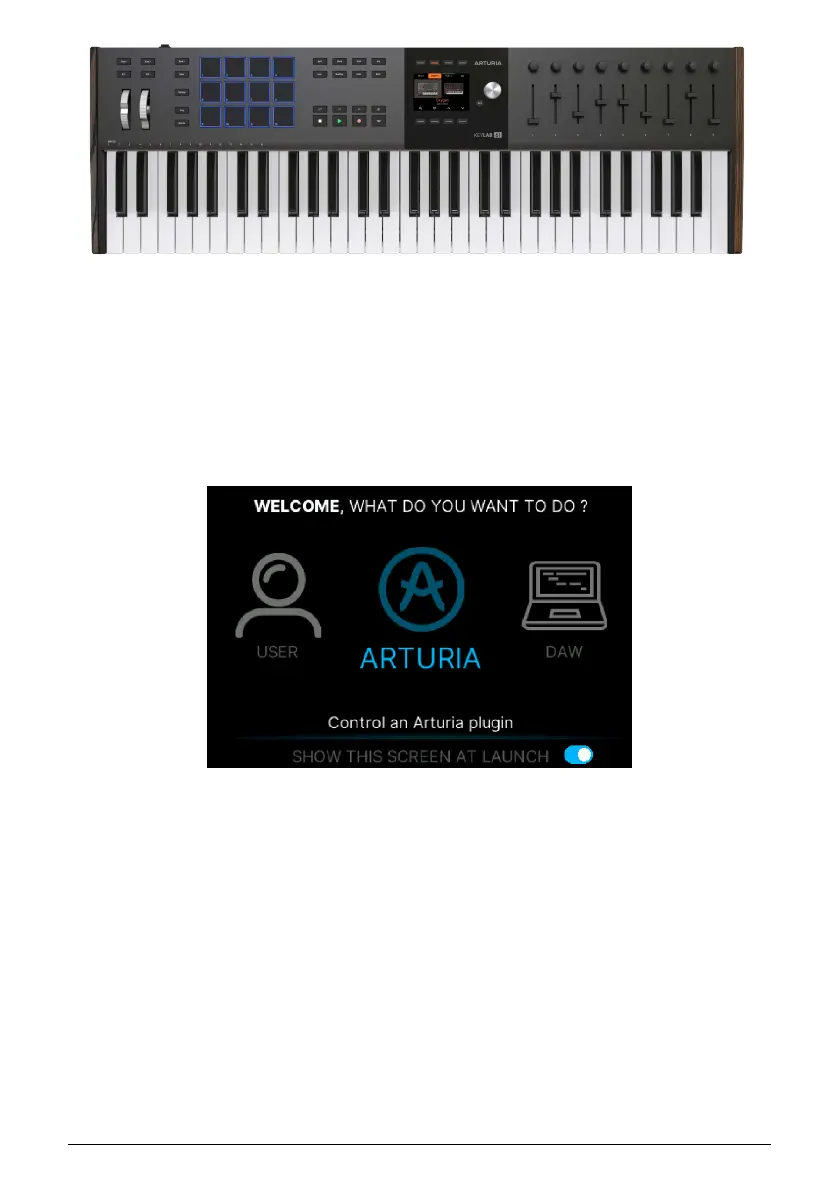
The 49 and 61 key models are entirely identical in terms of functionality. However, due to
the smaller physical size of the 49 key models, some buttons and the two wheels have been
moved to the left of the keyboard as opposed to the main panel of the larger model.
1.3. Selecting Program at Startup
When you first power on KeyLab mk3, you are greeted with this page.
• User lets you customize your KeyLab mk3 to control anything.
• Arturia is the mode where you control plugins like Analog Lab and V Collection
instruments.
• DAW lets you control your Digital Audio Workstation directly from KeyLab mk3.
We'll get further into the details later on in this manual. For now, we suggest you select
Arturia to start playing some sounds in Analog Lab. You do so by turning the Main Encoder
to the Arturia Program and pressing it to load. You load sounds by turning the Main Encoder
and clicking it to confirm.
Black or white with 61 keys
Arturia - User Manual KeyLab mk3 - Getting Started 4



 To Next Page