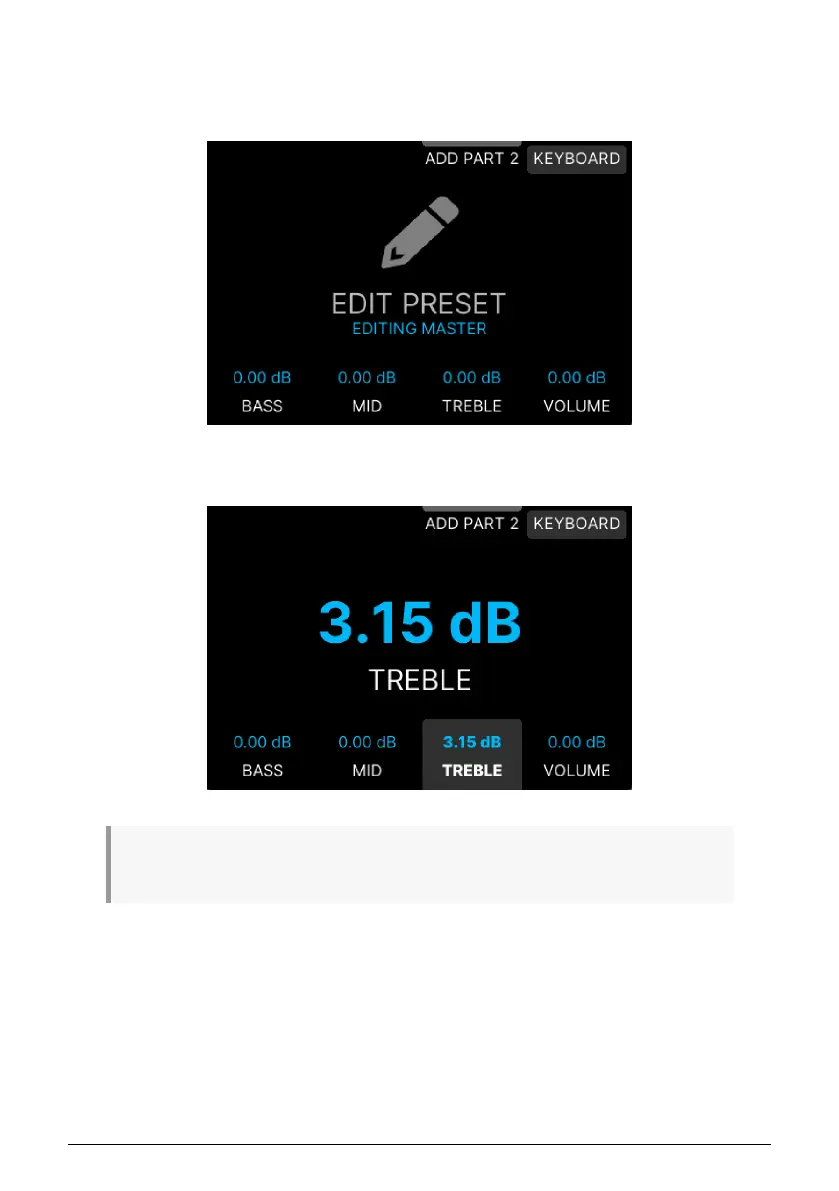
3.2.3. Edit Preset
Click on Edit Preset (•••). The first page you'll land on lets you set the EQ and Volume for a
Preset.
As usual, press the button nearest the parameter you want to edit and turn the Main Encoder
to adjust. You don't even have to press the Main Encoder to confirm your edits.
♪ The easiest way to reset a value to its default setting is to long-press the button next to the
parameter.
Arturia - User Manual KeyLab mk3 - Arturia Program 38



 To Next Page