Depending on what Control Type is selected, there are settings for the following parameters.
• CC Number + Min and Max Values: Choose what MIDI CC to transmit and its
range.
• Option: Can be set to Gate or Toggle.
• Note: Select a MIDI note.
• Program Number + Bank LSB/MSB: Set the MIDI Program number and LSB/MSB
the pedal will send when activated.
♪ Bank LSB: Defines the Bank Select value for Least Significant Byte (MIDI CC# 32) that the pedal
will send when activated. Enter a value between 0 and 127 in the fields below. Not all devices respond
to Bank LSB, so consult the documentation of the hardware or software instrument you're using.
♪ Bank MSB: Defines the Bank Select value for Most Significant Byte (MIDI CC# 0) that the pedal will
send when activated. Enter a value between 0 and 127 in the fields below. Not all devices respond to
Bank MSB, so consult the documentation of the hardware or software instrument you want to control.
5.4.10. Encoders Settings in User Program
The 9 Encoders and 9 Faders on the right side of KeyLab mk3 are your best friends when
you control remote sound modules, real or virtual.
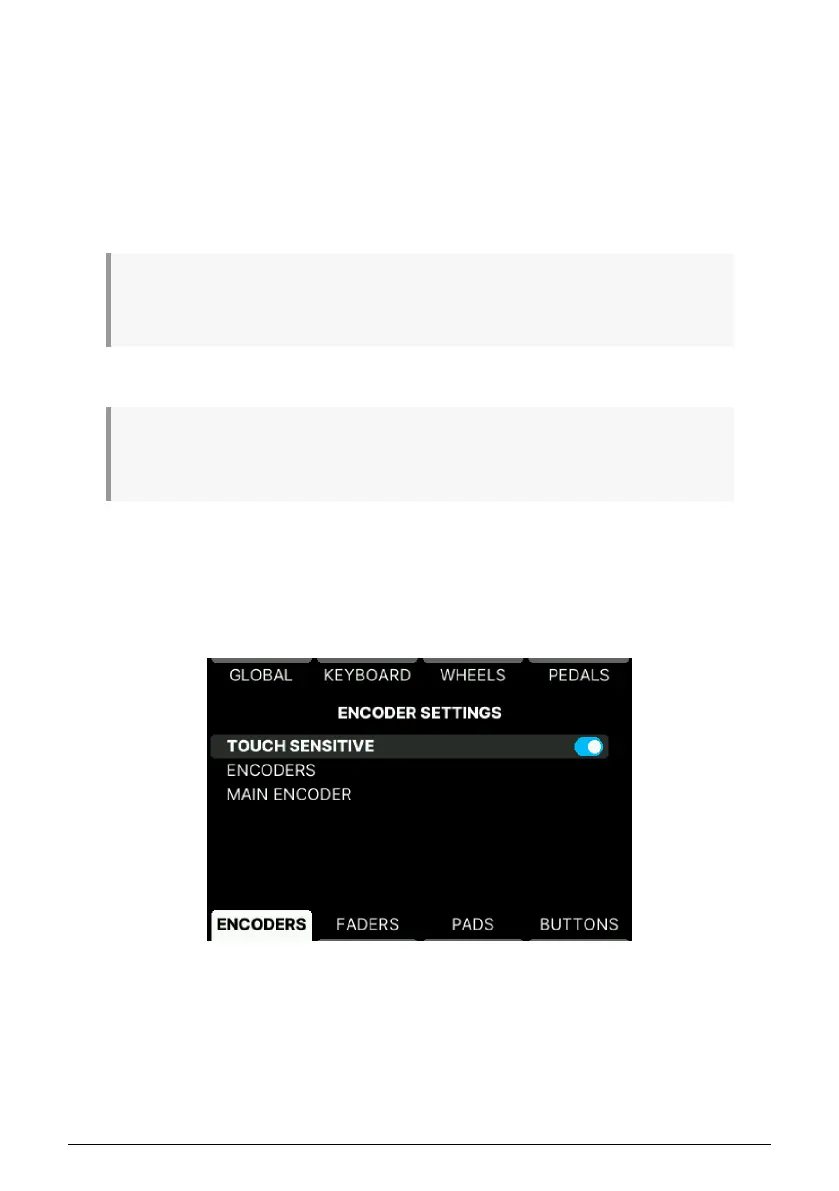
You reach this page by pressing Settings followed by Encoders.
5.4.10.1. Touch Sensitive
The Encoders are touch-sensitive, meaning they will be able to display useful information
when touched (without being rotated). With touch sensitivity active, the Display will show
the current name of the parameter, its value, and the position of the control.
Arturia - User Manual KeyLab mk3 - User Program 58



 To Next Page