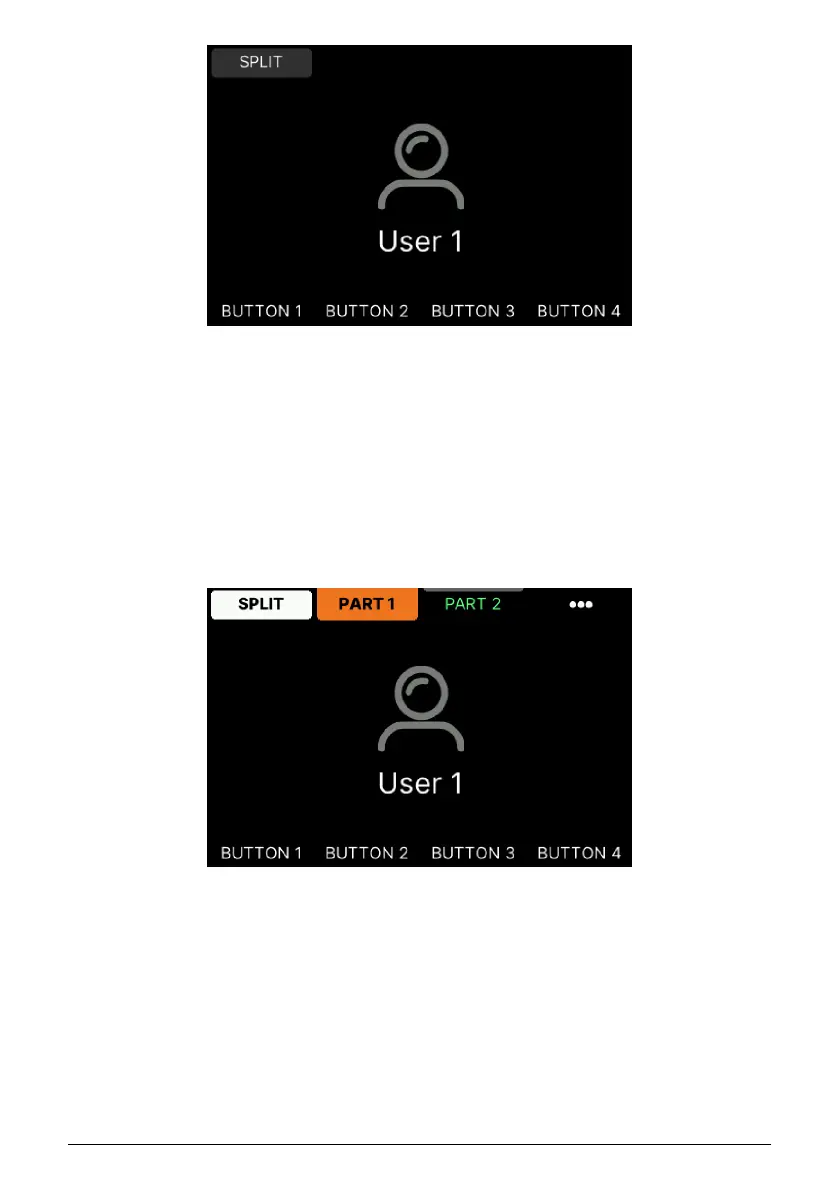
From here you'll be able to create a Multi setup, where you can play two sound modules in
either split or layered mode. You can also name this User Program and dedicate the four
buttons at the bottom to whatever function you want. Plus so much more!
5.4. Editing a User Program
Pressing the Split button activates the 2 MIDI Parts. In this mode, the encoders and faders
on the right of KeyLab mk3 control either Part 1 or Part 2 in a Multi.
The color coding is a big help here. With Analog Lab in Explore or Edit mode, orange denotes
Part 1 and green denotes Part 2.
The 3 vertical dots (•••) lead to an overview page where you can edit the settings for Part 1
(orange) and Part 2 (green).
5.4.1. User Global Settings
The Global settings in KeyLab mk3 are ... global! The settings you make here are identical
for all Programs, be they Arturia, DAW or User.
Arturia - User Manual KeyLab mk3 - User Program 48



 To Next Page