• MIDI In (DIN) to USB: When set to On, data received at the physical MIDI In
connector will be passed over USB to your DAW or another USB device.
• USB to MIDI Out (DIN): When set to On, data received via USB will be sent to
external devices via the physical MIDI Out connector.
• MIDI In (DIN) to MIDI Out (DIN): When On, the MIDI Out will function as a MIDI
Out and a MIDI Thru port.
• Apply MIDI FX: You can select if the MIDI effects (Hold, Chord, Scale, and
Arpeggiator) data will be passed on to the MIDI Out connector or not. This applies
to all MIDI Thru settings.
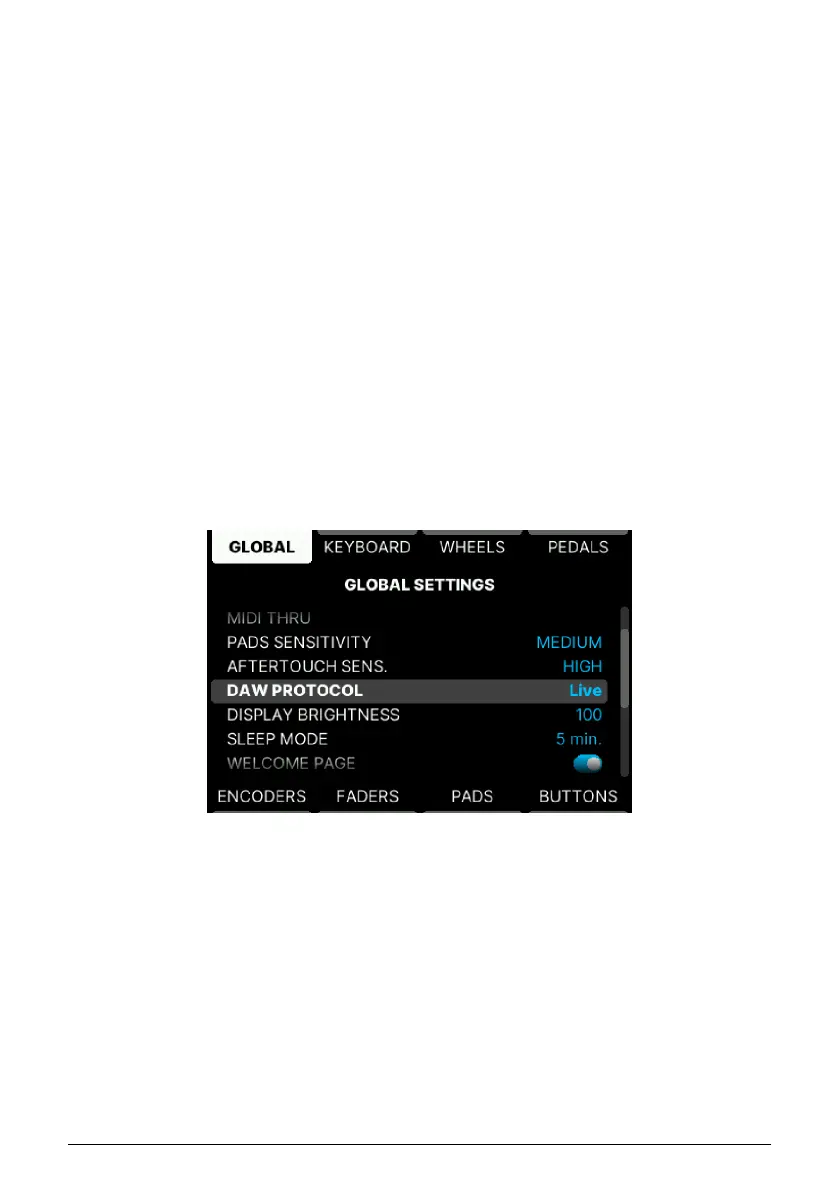
5.4.1.4. Pads Sensitivity
There are 3 Pad Sensitivity settings – High, Medium, or Low. Adjust to suit you playing style.
5.4.1.5. Aftertouch Sensitivity
Adjust sensitivity to High, Medium, or Low – any setting you feel comfortable with.
5.4.1.6. DAW Protocol
DAW Control can be especially tailored for this selection of DAWs:
• Ableton Live
• Apple Logic Pro
• Bitwig Studio
• Image-Line FL Studio
• Steinberg Cubase
DAW Control can also be generic (suitable for all DAWs).
• Standard MCU
• Standard HUI
Arturia - User Manual KeyLab mk3 - User Program 52



 To Next Page