3.2.4. Edit Parts in a Multi Preset
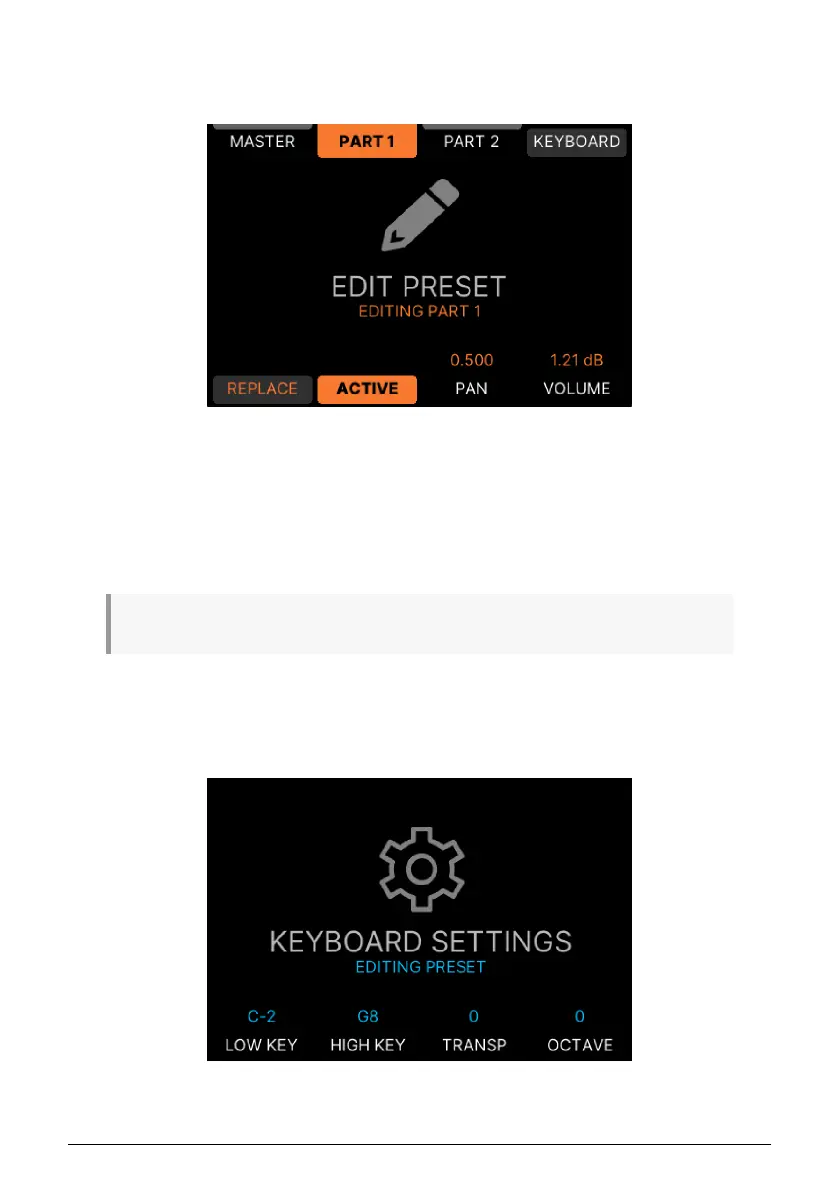
Selecting Part 1 or Part 2 in a Multi Preset gives you further options.
• Replace: Here you can replace the current Instrument with another one.
• Active: You may want to mute one Instrument in a Multi Preset.
• Pan: Place the output of the Instrument in the stereo field. This is mostly useful in
Multis. 0.500 is center, 0.000 is fully left, and 1.000 is fully right.
• Volume: Set the overall output Volume to match other Presets.
♪ As always with Multi Presets, there are separate edit pages for Part 1 and 2.
3.2.5. Edit Keyboard Settings
To edit Keyboard Settings, select a Preset. Press the button next to the ••• symbol and select
Keyboard Settings.
39 Arturia - User Manual KeyLab mk3 - Arturia Program



 To Next Page