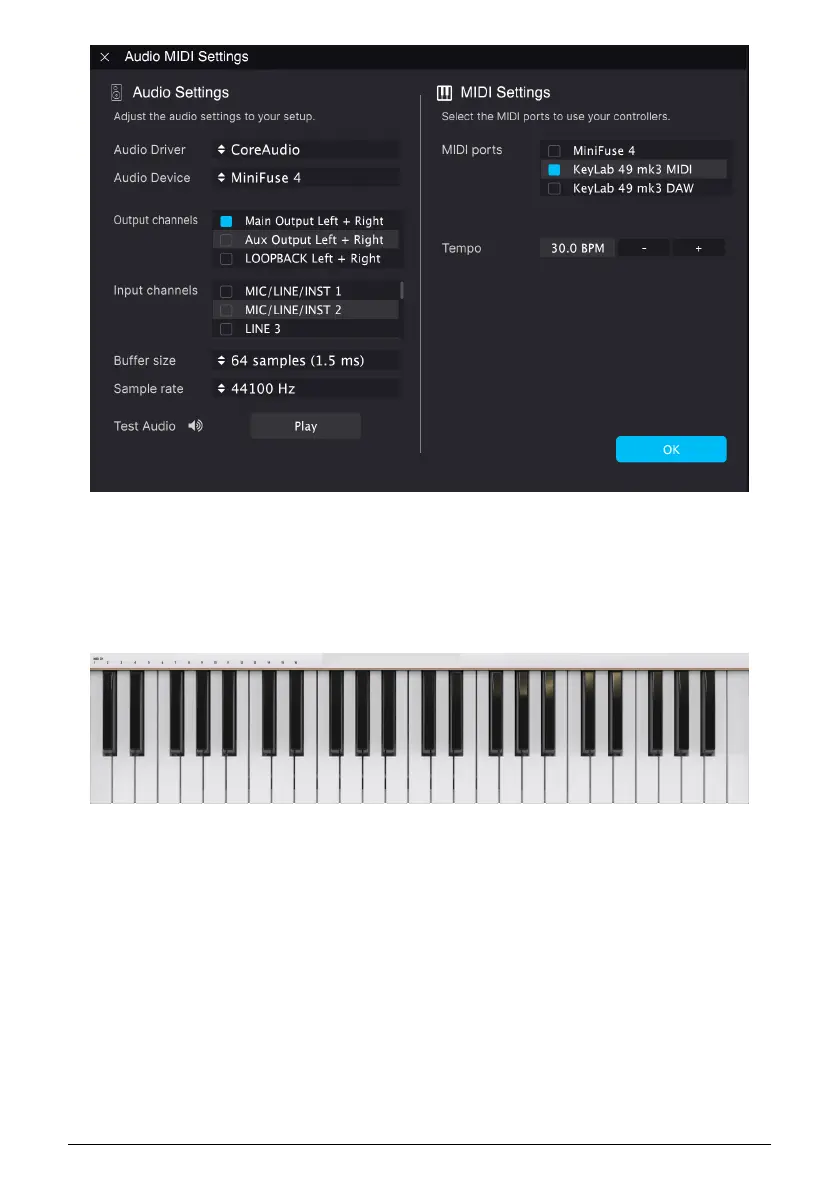
If Analog Lab – or any other plugin you want to control – is used inside a DAW (like Cubase,
Studio One, Ableton Live, or other), the settings in your DAW will allow you to use KeyLab
mk3 as a controller.
2.2. Keyboard
KeyLab mk3 features a synth-action keyboard that is both velocity, release velocity, and
pressure-sensitive (also called aftertouch or channel-aftertouch).
2.2.1. Changing the MIDI Channel
The MIDI channel of the KeyLab mk3 can be changed by holding the MIDI Channel button
and pressing one of the lower 16 keys on the keyboard. After this, all controls that have been
set to follow the User MIDI Channel will change to that channel.
For example, to change KeyLab mk3’s MIDI output to channel 8, hold the MIDI button and
hit the lowest G on the keyboard.
9 Arturia - User Manual KeyLab mk3 - Overview



 To Next Page