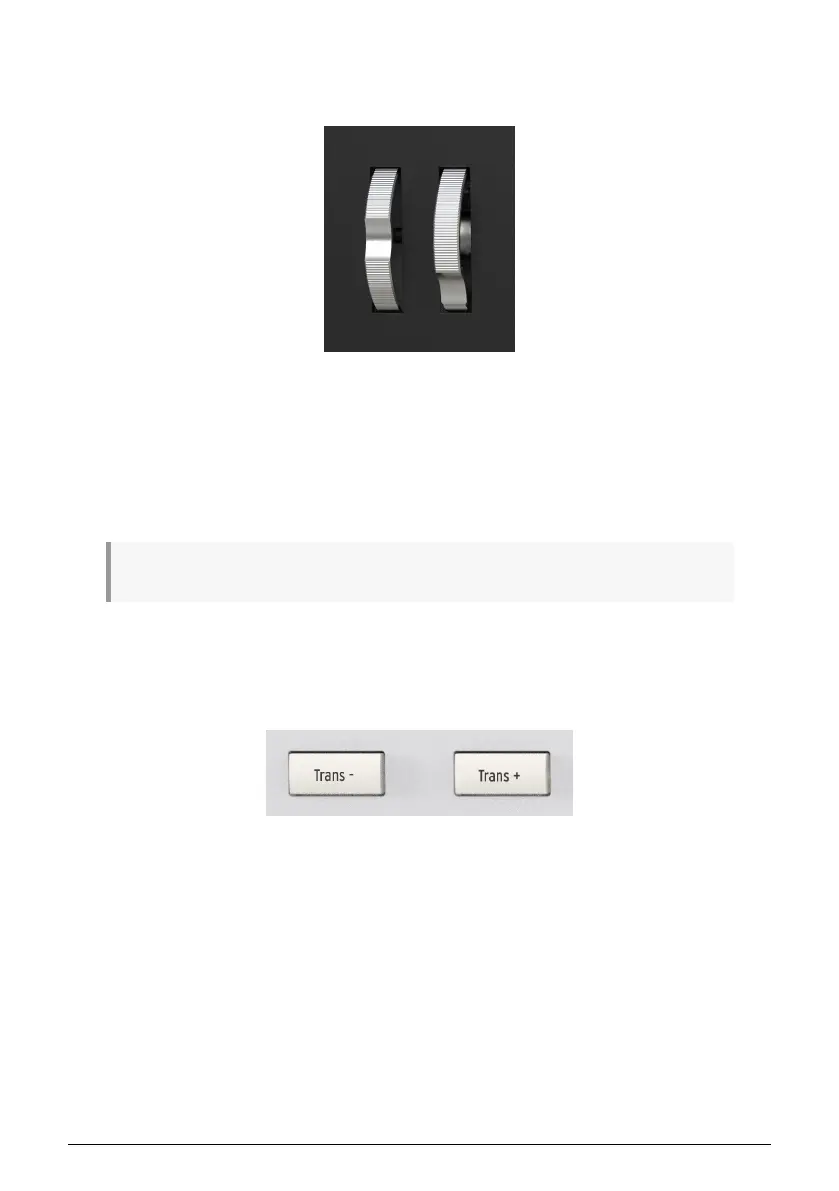
2.3. Pitch and modulation wheels
These controllers allow for real-time pitch bend and modulation control.
Moving the Pitch Wheel up or down will raise or lower the pitch of the selected sound. The
range of this effect is set within the hardware or software instrument being controlled. This
wheel can also be turned off at a User Program level.
Moving the Modulation Wheel up increases the modulation amount of the selected sound.
The response depends on the settings of the instrument being controlled and can also be
set inside KeyLab 3. The Modulation Wheel is assigned to MIDI CC# 1 by default, but it can
be reassigned in User mode or by using the MIDI Control Center.
♪ The Pitch Wheel cannot be reassigned to send another type of MIDI data.
2.4. Transpose
The Transpose function lets you shift the pitch of the keyboard chromatically to make it
easier to perform in different keys.
To transpose the KeyLab mk3 downwards, press the Trans– button, once for every step in a
chromatic scale. Example: To transpose from C down to A, press Trans– 3 times. Likewise,
press the Trans+ button to transpose upwards.
The Display will show the current transposition status each time you press a Transpose key.
2.4.1. Resetting Transpose
To reset transpose mode, simply press the Trans– and Trans+ buttons simultaneously.
Arturia - User Manual KeyLab mk3 - Overview 10



 To Next Page