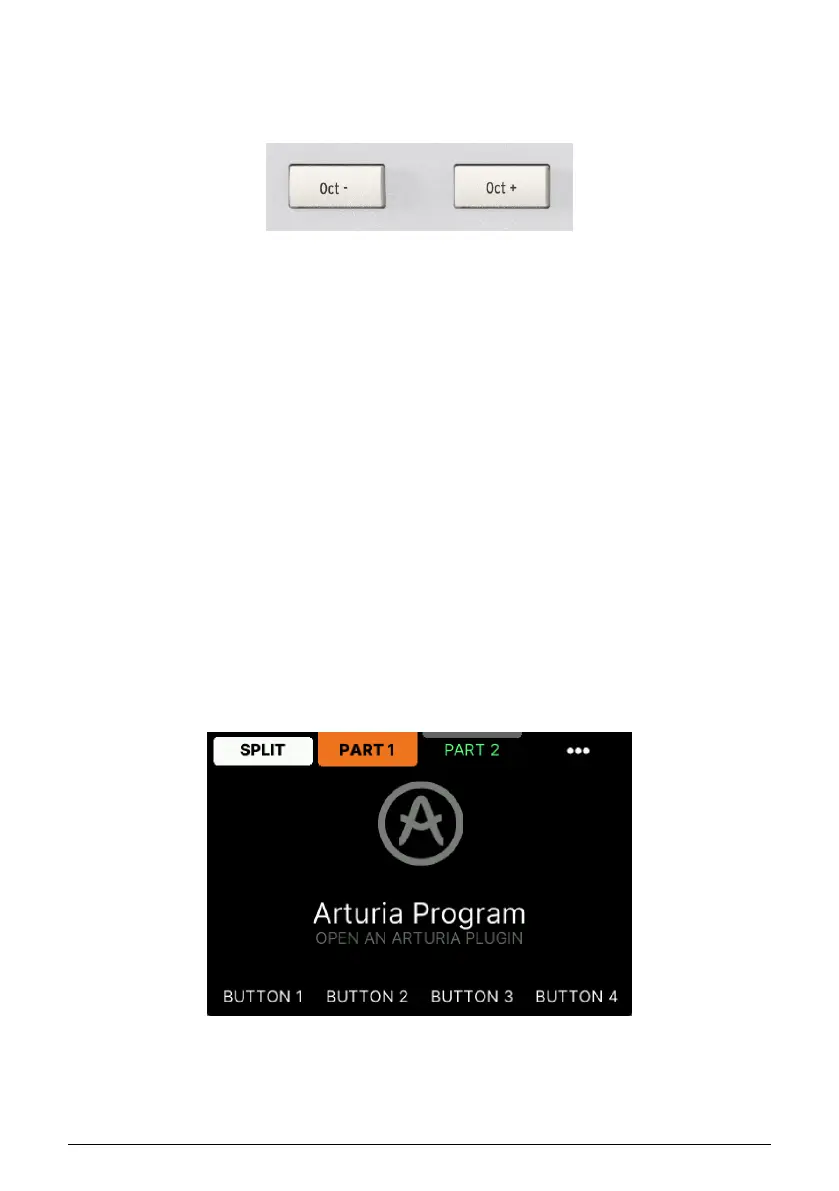
2.5. Octave
The Octave shift function is practical when you need to set the tonal center of a Preset or
temporarily extend the range of an instrument.
Pressing the Oct– or Oct+ buttons will shift the range of KeyLab mk3’s keyboard, giving you
access to higher and lower octaves.
The Display will show the current octave status every time you press an Octave button.
2.5.1. Resetting Octave
To quickly reset the octave shift and return the KeyLab mk3 to the center pitch range
position, press the Oct– and Oct+ buttons simultaneously.
2.6. Bank
Switches between Pad Banks A–D. In User Program mode you can program the Pads to
trigger samples or functions in your DAW and/or send all sorts of MIDI data including
polyphonic aftertouch (they're pressure-sensitive). Each pad can have a different setting
within each mode.
2.7. Settings
In Arturia and DAW Program modes, you can fine tune various Global parameters and
how the Keyboard will behave. When using a User Program, you can also edit settings for
Wheels, Pedals, Encoders, Faders, Pads, and Buttons.
11 Arturia - User Manual KeyLab mk3 - Overview



 To Next Page