If you switch to User mode, the DAW Commands buttons will perform the functions that
were assigned to them in the current User Preset. These may still be DAW commands, or
they may be different MIDI assignments, depending on how you've configured the buttons
in MIDI Control Center.
♪ The Transport buttons perform the same function no matter which of the three main modes is
selected (Arturia, DAW, or User).
4.2. DAW preset selection
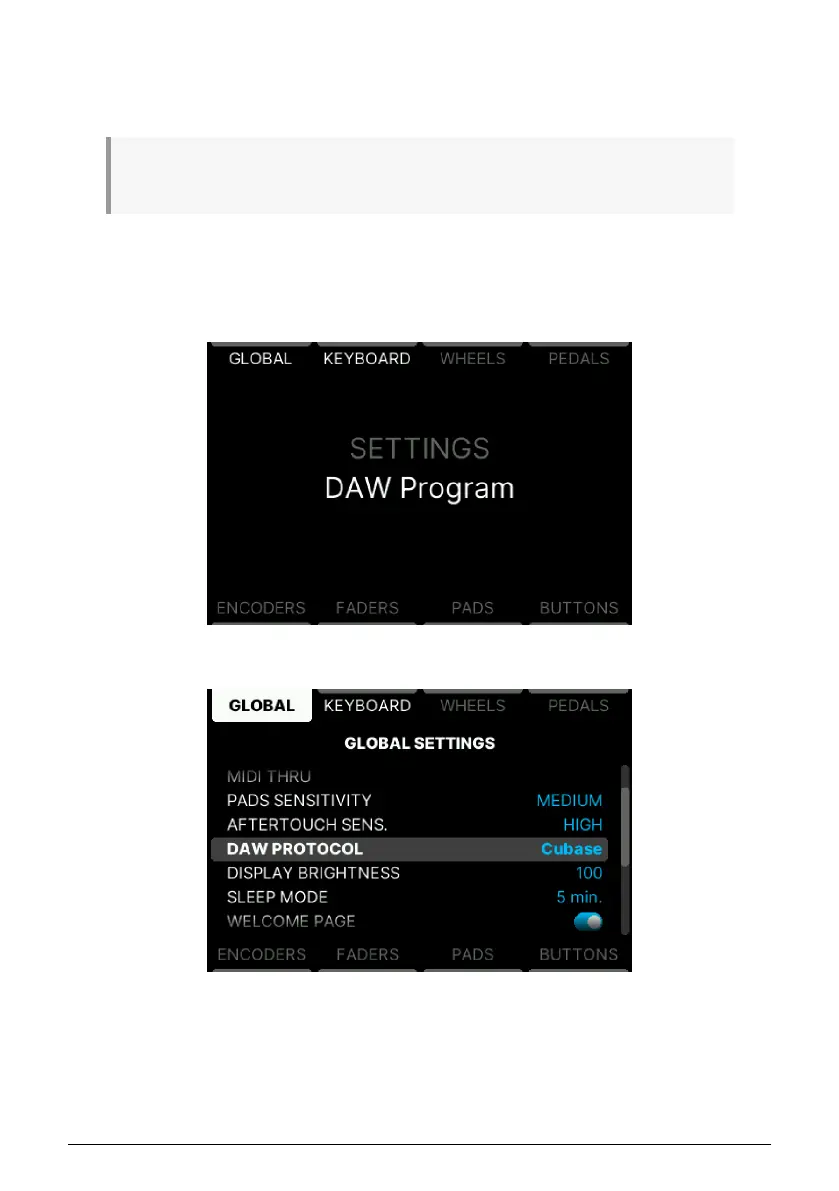
If not in DAW Mode, first press the Prog button. Long-press the DAW mode button to enter
the DAW Settings screen.
Next, press Global and scroll through the list to find the name of your DAW.
Click the Main Encoder to select that DAW Protocol. Now the features of KeyLab mk3 will be
reconfigured to match the most important functions of your DAW.
45 Arturia - User Manual KeyLab mk3 - DAW Program



 To Next Page