2.16. The Center Display and its Controls
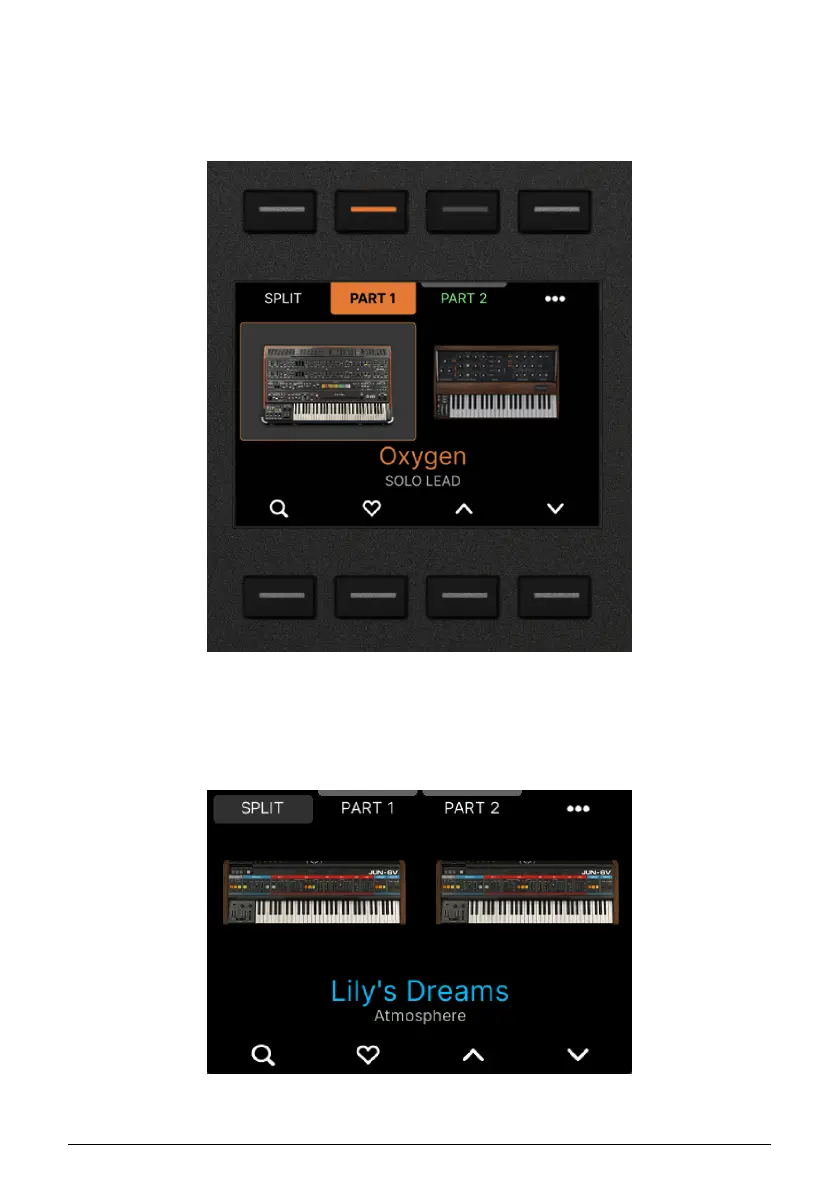
Your main source of information when playing KeyLab mk3 will be presented in the big
backlit Display. For most of the finer details and deep editing, the 8 Contextual Buttons, the
Main Encoder and the Back button will become your best friends.
2.16.1. How Contextual Buttons Work
The 8 buttons around the Display are
contextual
. This means, that each buttons gets a
specific function depending on what's being shown in the Display.
In the example above, the top left button will be used to set the Split Point, the second one
selects Part 1, the third one Part 2 and so on.
Arturia - User Manual KeyLab mk3 - Overview 28



 To Next Page