• On/Off Value: Set the limits here.
• Program Number + Bank LSB/MSB: Set the MIDI Program number and LSB/MSB
the pedal will send when activated.
♪ LSB and MSB are explained here [p.57].
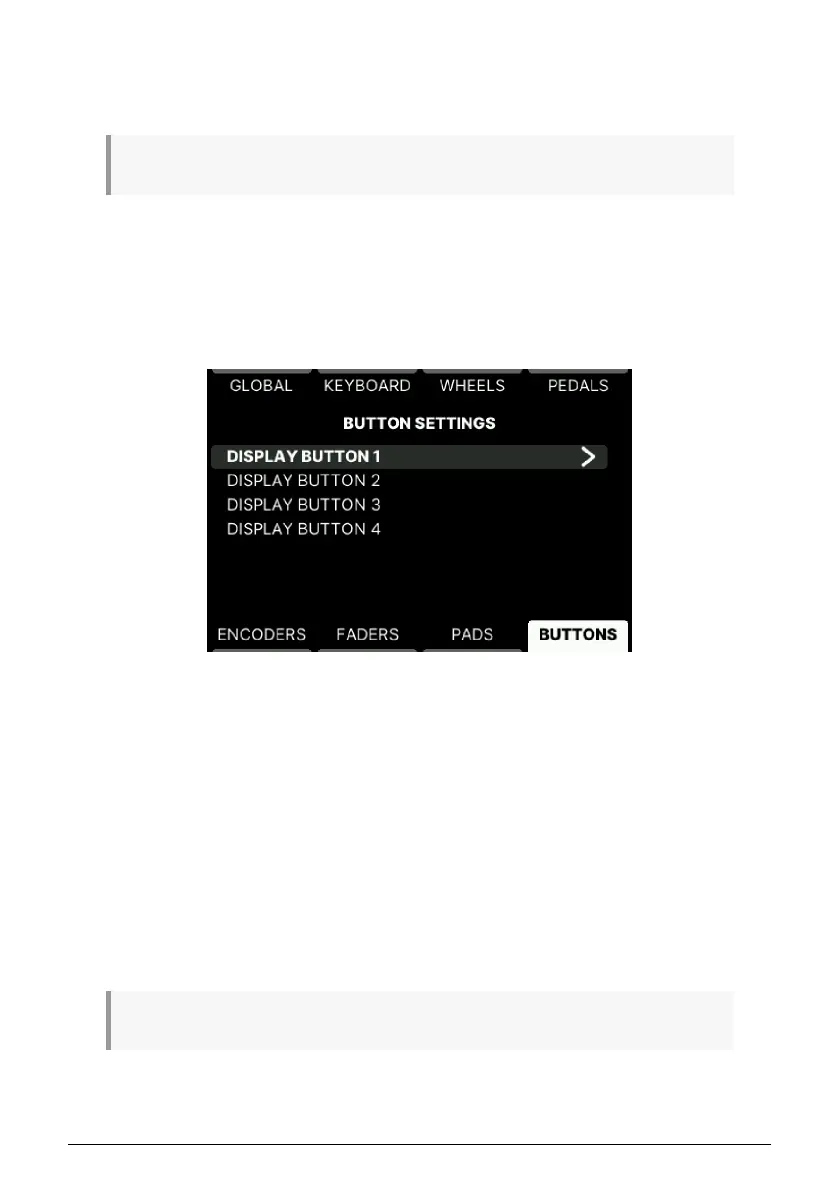
5.4.13. User Buttons in User Program
The 4 buttons below the Display can perform various tasks. The 4 menus here have identical
content.
There is a clever shortcut that lets you reach the right page for every Button below the
screen. Simply long-press Settings and touch any Contextual Button.
• Name: For easy reference, give the button a name.
• Colour: Press here to select a color. Press again to confirm.
• Type: Can be Off, Switch, or Program Change. Edit CC or Program number in the
row below.
• MIDI Channel: Select MIDI channel here.
Depending on what Control Type is selected, there are settings for the following parameters.
• Option: Can be set to Gate or Toggle.
• Min and Max Values: Choose the range here.
• Program Number + Bank LSB/MSB: Set the MIDI Program number and LSB/MSB
the pedal will send when activated.
♪ LSB and MSB are explained here [p.57].
67 Arturia - User Manual KeyLab mk3 - User Program



 To Next Page