Functionality here is simple. By selecting an item in any of the 5 categories listed above,
you'll be taken back to the Preset selection page. Next time you turn the Wheel or press the
Up and Down buttons, you'll only see Presets in the chosen category.
♪ As always with Multi Presets, there are separate Filters for Part 1 and 2.
3.2.2. The Edit Presets Page
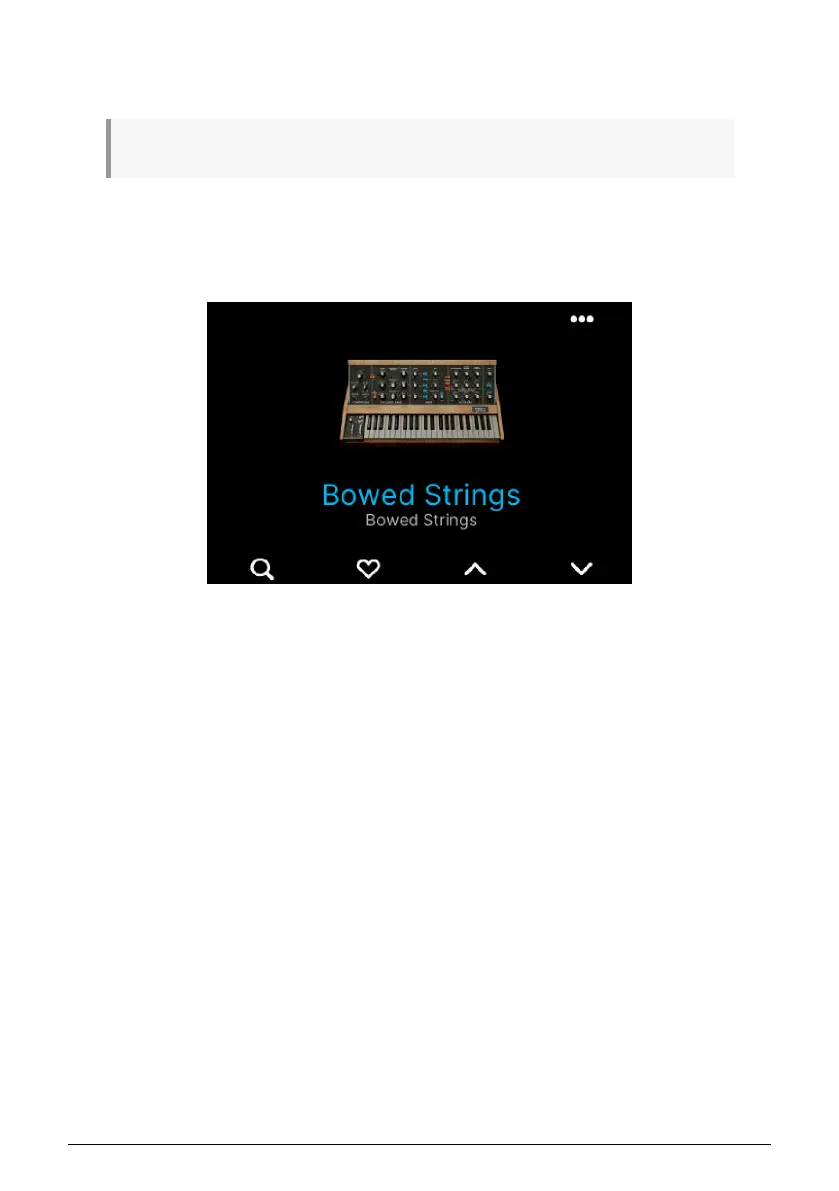
If you're not there already, go to the Preset Edit page by pressing Prog, then Arturia. Select
a Preset to edit.
Then press the ••• button in the upper right corner. You may have to select Part 1 or Part 2
here.
37 Arturia - User Manual KeyLab mk3 - Arturia Program



 To Next Page