♪ When you are in DAW mode, there will be an additional Pad Bank DAW that performs various
tasks inside certain DAWs.
2.11. Hold
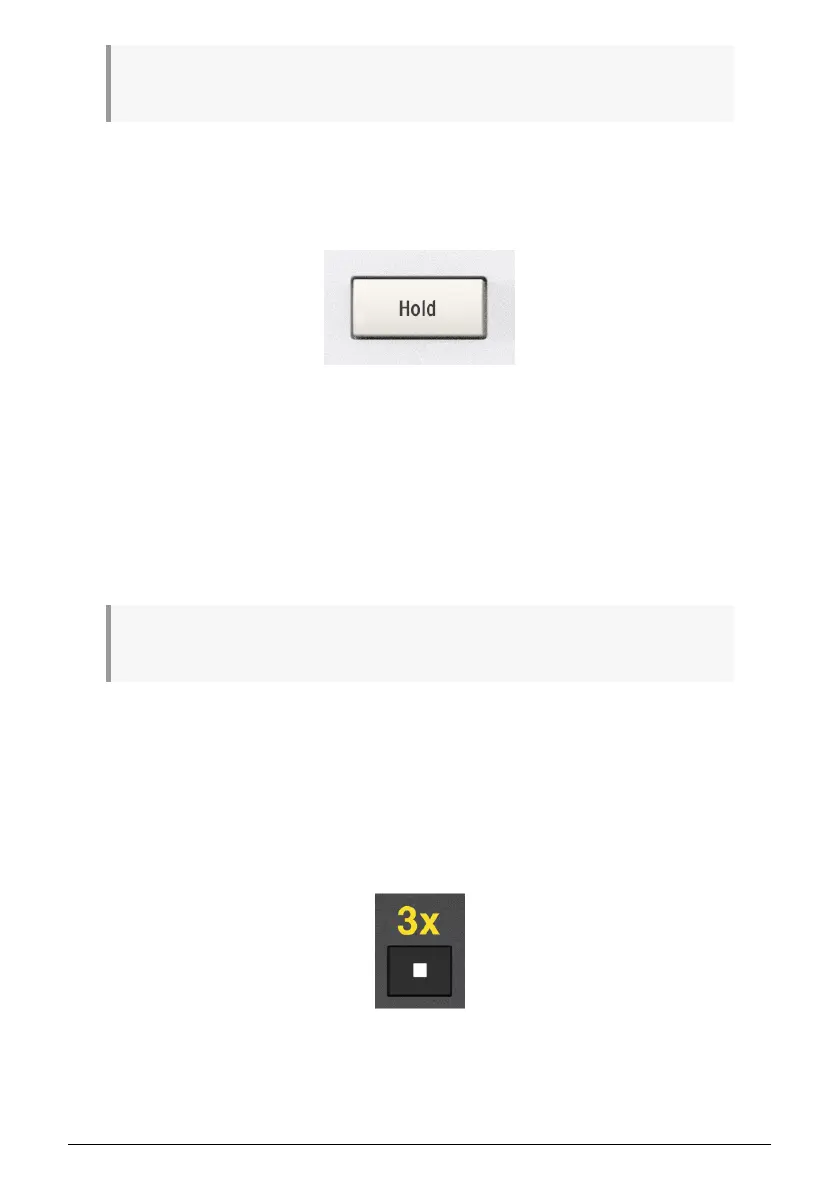
The Hold function can sustain notes and arpeggios played from the keys (not the pads). Hold
is similar to using a sustain pedal.
First press Hold and then play one or several notes at once or in legato (overlapping) mode.
Release the keys and the notes will sustain.
Now press a new note or chord. The sustaining notes will stop sounding and the new note
or chord will sustain.
When Hold is on, the button will be lit. You turn off Hold by pressing the button again.
If you use the Arpeggiator, the arpeggio will only keep playing for as long as you hold the
keys. Pressing Hold before you hit the notes keeps the arpeggio playing. You can turn off the
arpeggio by hitting the Hold button again.
♪ The audible effect of the Hold function is sound dependent. If you play a fast-decaying sound, like
for example a marimba, the Hold function will be pointless. Worst case, it will eat up polyphony for you.
2.11.1. Sending a Panic Message
It's possible a note might continue playing if you switch between different instruments while
holding down a key. Similarly, sometimes a controller value will remain at an unwanted
value. These situations can be fixed easily by sending what is known as a Panic Message
or All Notes Off, which resets all controllers and sends a "note off" message to all MIDI
channels.
To send a Panic message from KeyLab mk3, press the Stop button quickly three times.
Arturia - User Manual KeyLab mk3 - Overview 14



 To Next Page