• Key Aftertouch, Pad Velocity, and Pad Aftertouch can be edited in a similar
fashion, except there is no Fixed parameter for Aftertouch.
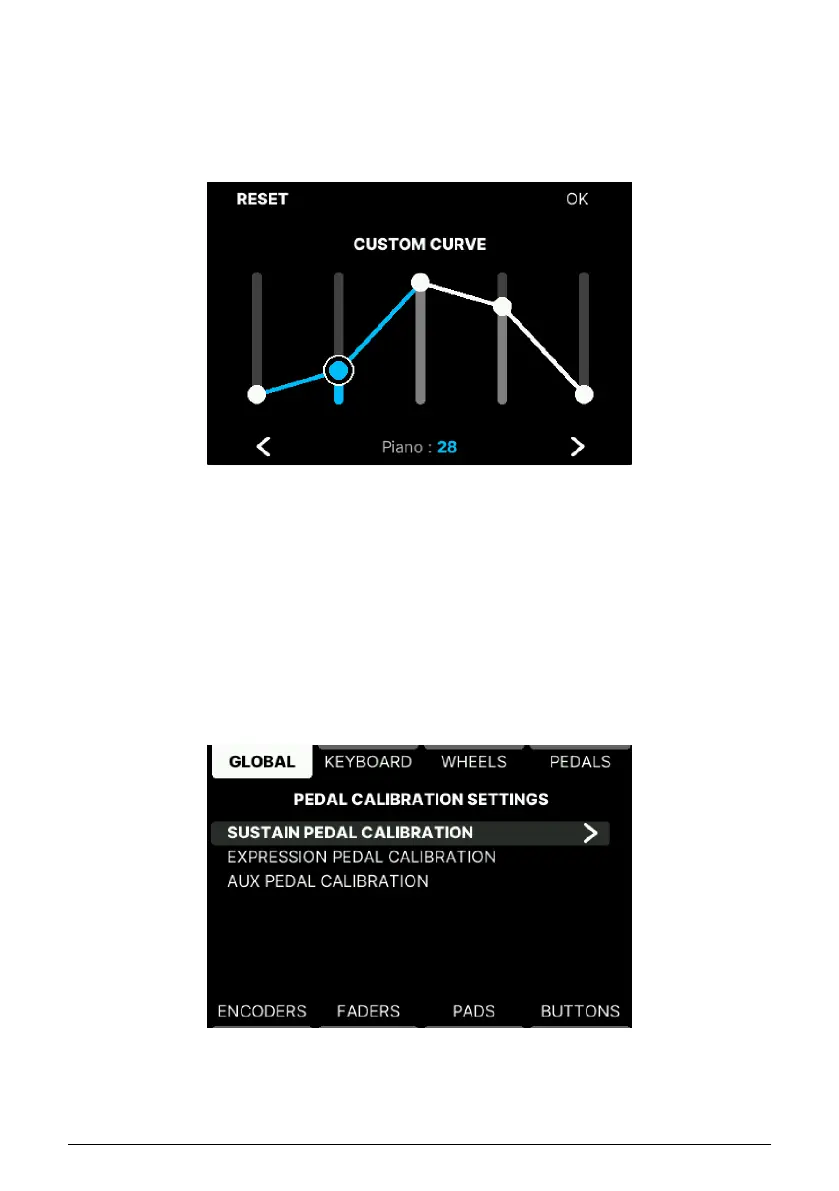
• Custom Curve: This is the editor for the Custom velocity option. It can only be
accessed if Keyboard or Pad velocity or Aftertouch have been set to Custom. Use
the Wheel to edit the levels and the arrows to select band. Reset to go back to
default value and OK to confirm changes.
Press the Back button to go back to the Global Settings page.
5.4.1.2. Pedal Calibration
There is no global standard for how
switch
and
continuous pedals
are supposed to behave.
Fortunately, KeyLab mk3 can correct any mismatch.
This page can also be accessed via the Pedals tab.
First connect your pedal(s). Then scroll to Pedal Calibration and follow the instructions.
You can get really creative in the Custom Curve editor
Arturia - User Manual KeyLab mk3 - User Program 50



 To Next Page