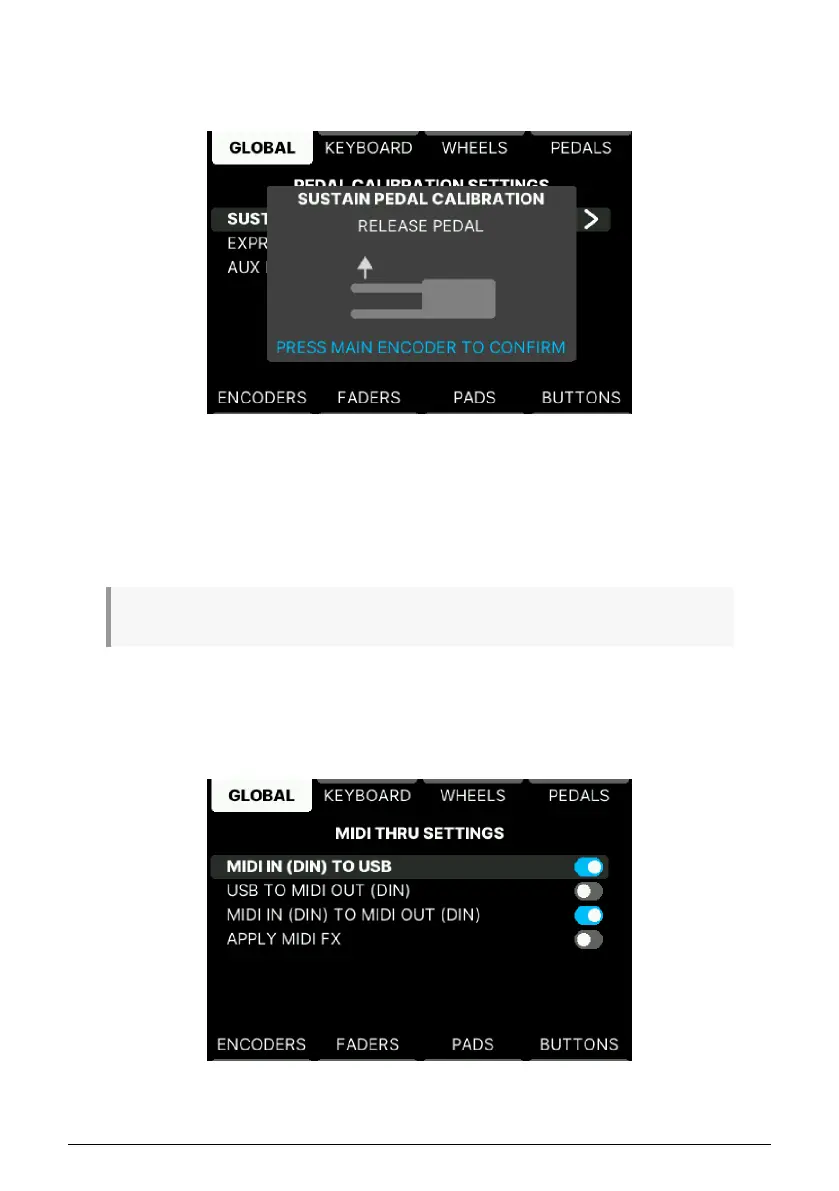
• Sustain Pedal Calibration: If your sustain or on/off type pedal behaves
unexpectedly ("backwards"), correct that here. With the pedal in its
up
position,
press the Encoder to confirm. Then
hold down
the pedal and press again to
confirm.
• Expression Pedal Calibration: If your expression pedal behaves unexpectedly
("backwards"), correct that here. With the pedal in its
heel down
position, press
the Encoder to confirm. Then put the pedal in the
toe down
position and press
again to confirm.
• Aux Pedal Calibration: A footswitch or a continuously variable pedal can be used
with the Aux pedal input. To calibrate it, see the instructions above.
♪ Any pedal input at the rear can accept any type of pedal – footswitch or continuously variable.
5.4.1.3. MIDI Thru
These settings determine whether data will be passed between the MIDI and USB
connectors in both directions, MIDI In to MIDI Out, only one direction, or not at all.
51 Arturia - User Manual KeyLab mk3 - User Program



 To Next Page