5. USER PROGRAM
5.1. General concept
User Mode is where you can edit your personal global controller keyboard settings. Almost
anything in KeyLab mk3 can be adjusted to your taste in a User Program.
User Mode lets you create specific User Programs for different jobs – recording, live gigs,
rehearsals, education, experimenting and so on.
5.2. User Program Selection
You enter User Mode by tapping the Prog button.
This page will look different depending on how many User Programs that have been
created.
You can select User Program in 3 ways.
• By tapping the appropriate contextual button.
• By pressing the corresponding Pad.
• When in any other mode, by holding the Prog button and pressing a Pad 3–8
(depending on how many User Programs you've created).
5.3. Managing a User Program
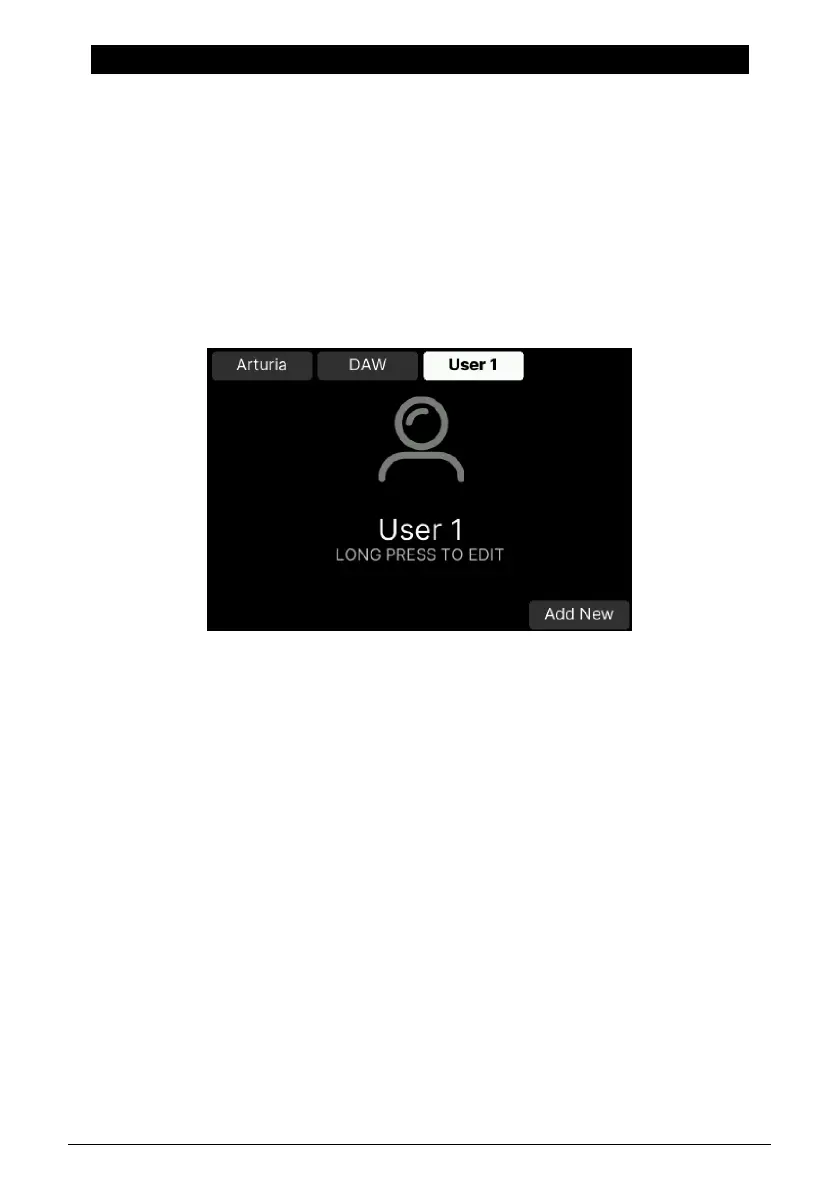
The default User view looks like this.
47 Arturia - User Manual KeyLab mk3 - User Program



 To Next Page