3.1.1. Selecting Analog Lab Presets
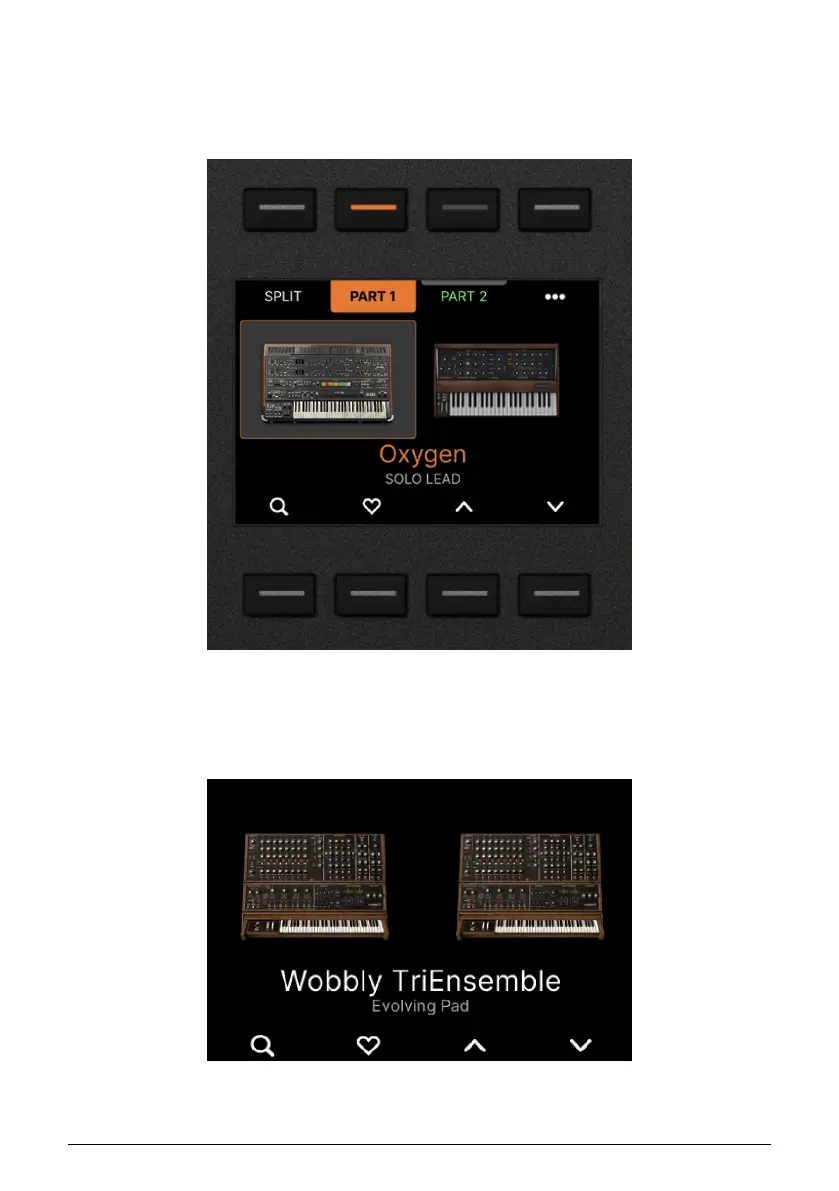
After everything has been setup as described above, the first thing you should see in the
KeyLab mk3 display is the image and the name of an Analog Lab Preset – the same Preset
as on your computer screen.
Playing the keyboard, you should hear the selected Preset.
To select another Preset in Analog Lab, rotate the Main Encoder and press to load Preset.
When a Preset is focused (but not yet loaded), the Preset title will be in white.
Arturia - User Manual KeyLab mk3 - Arturia Program 34



 To Next Page