♪ The encoders have the option to transmit Registered Parameter Numbers (RPN) or Non-Registered
Parameter Numbers (NRPN). These are numbers that can be used by various manufacturers to allow
their proprietary parameters to be controlled by external devices. Refer to the documentation of the
target instrument to see if it can respond appropriately to these commands.
5.4.9. Pedals Settings in User Program
When in a User Program, you can reach this page by pressing Settings followed by Pedals.
Set the behavior of connected Sustain, Expression, and Aux pedals.
5.4.9.1. Pedal Calibration
Please refer to the Pedal Calibration [p.50] section of this manual.
♪ Any pedal input at the rear can accept any type of pedal – footswitch or continuously variable.
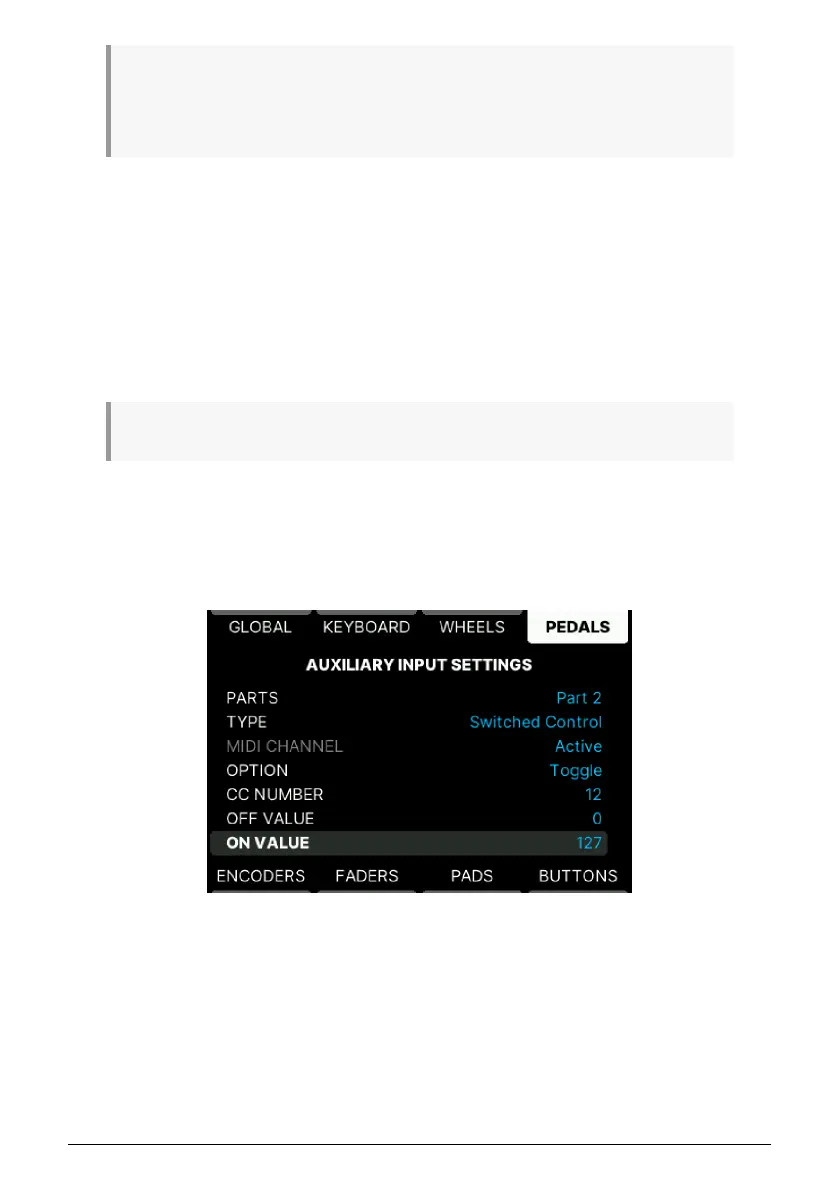
5.4.9.2. Edit Sustain/Exp/Aux Pedal Details
All 3 pedal inputs for external pedals can perform any pedal task. Example: While it's
convenient to plug your sustain pedal into the Sustain input, you are perfectly free to use a
continuous controller pedal here.
• Parts: A pedal can be assigned to Part 1, Part 2, Part 1+2 or no Part.
• Type: Can be Off, (Continuous) Control, Switch, Note, or Program Change.
• MIDI Channel: Select MIDI channel here.
57 Arturia - User Manual KeyLab mk3 - User Program



 To Next Page