4. DAW PROGRAM
One of the great strengths of KeyLab mk3 is its ability to control your DAW (Digital Audio
Workstation). First you must enter DAW Program.
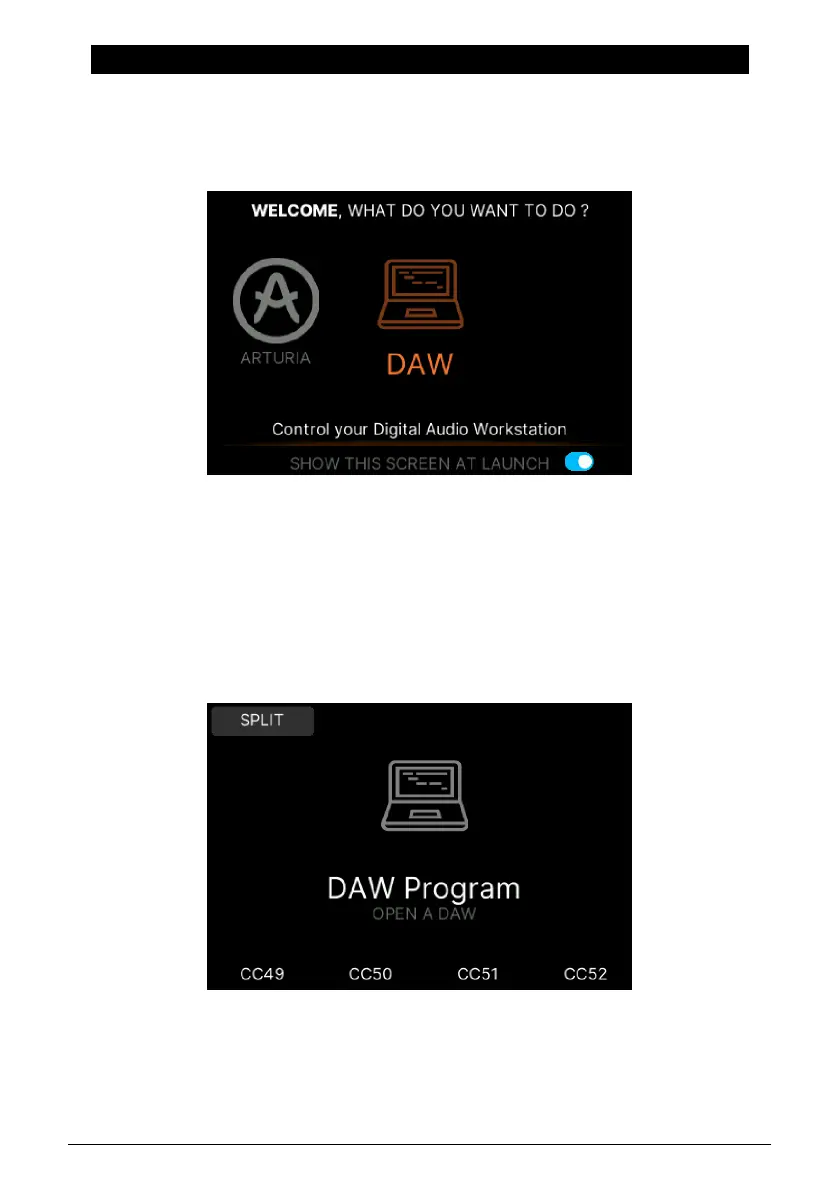
When you power up KeyLab mk3, you'll be given 3 options. One of them is DAW Program.
Rotate the Main Encoder and press it to enter.
If KeyLab mk3 is already running, press the Prog button on the left side and then select
DAW (by pressing the contextual button above the Display).
4.1. An Overview of DAW Program
When KeyLab mk3 is in DAW Mode, all three Modes coexist (Arturia, DAW, and User), and
you may switch between them freely. Some DAW mode functions will not be available if
you switch modes, though. For example, selecting tracks with the Main Encoder won't work;
the main encoder is busy doing other things in Arturia Mode and User Mode.
However, any DAW-specific KeyLab mk3 controls not being used by Analog Lab mode will
still fulfill their DAW mode functions. For example, the DAW Commands buttons will continue
to perform the Track and Global functions of the selected DAW preset.
Arturia - User Manual KeyLab mk3 - DAW Program 44



 To Next Page