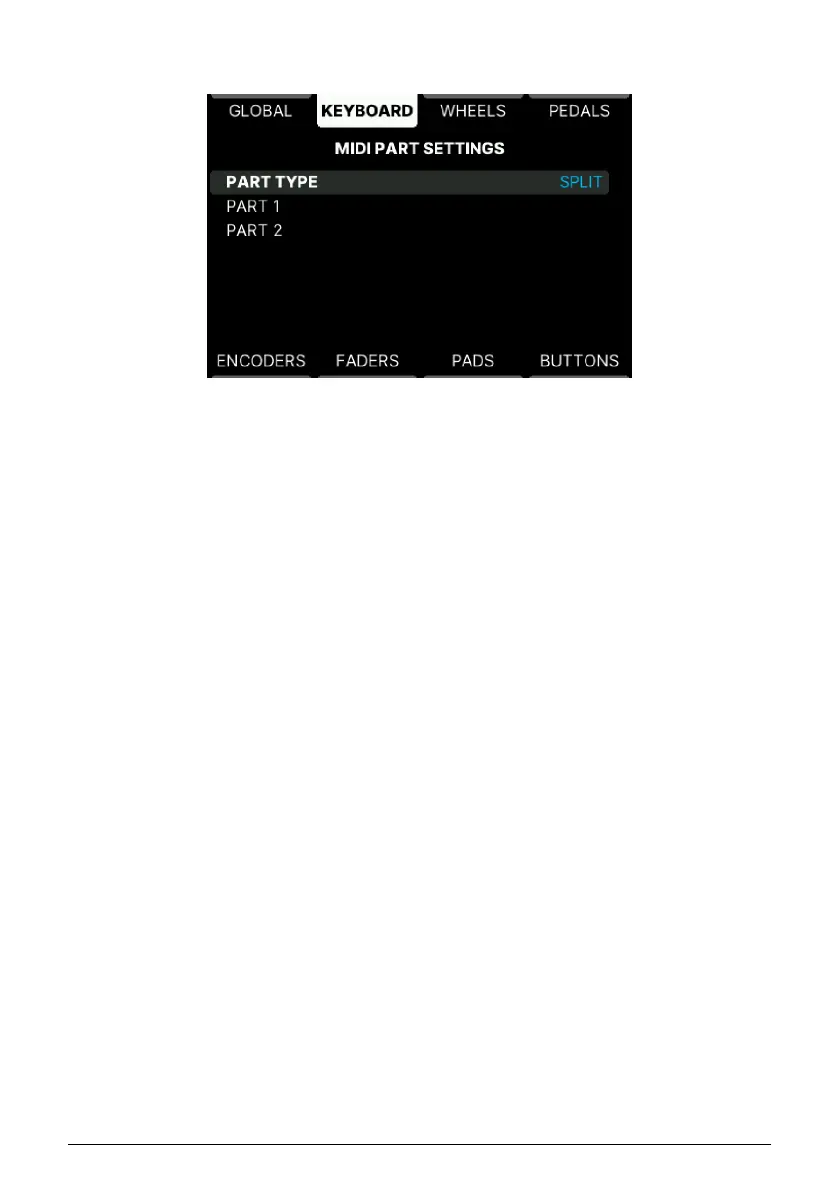
5.4.2.1. MIDI Parts
• Part Type: Select whether KeyLab mk3 should default to Split or Layered Mode
when you create a Multi Preset.
5.4.3. Velocity Curve
The velocity curve in a User Program can be set to follow the Global setting or be specific
for every User Program.
For more details, please refer to the Global Curves [p.49] section.
5.4.4. Aftertouch Curve
The aftertouch curve in a User Program can be set to follow the Global setting or be specific
for every User Program.
For more details, please refer to the Global Curves [p.49] section.
5.4.5. Aftertouch Minimum Value
Here you can set the minimum value to be sent via aftertouch.
5.4.6. Aftertouch Maximum Value
The maximum value sent via aftertouch can be set here.
5.4.7. Aftertouch Sensitivity
Adjust aftertouch sensitivity to suit your playing style.
55 Arturia - User Manual KeyLab mk3 - User Program



 To Next Page