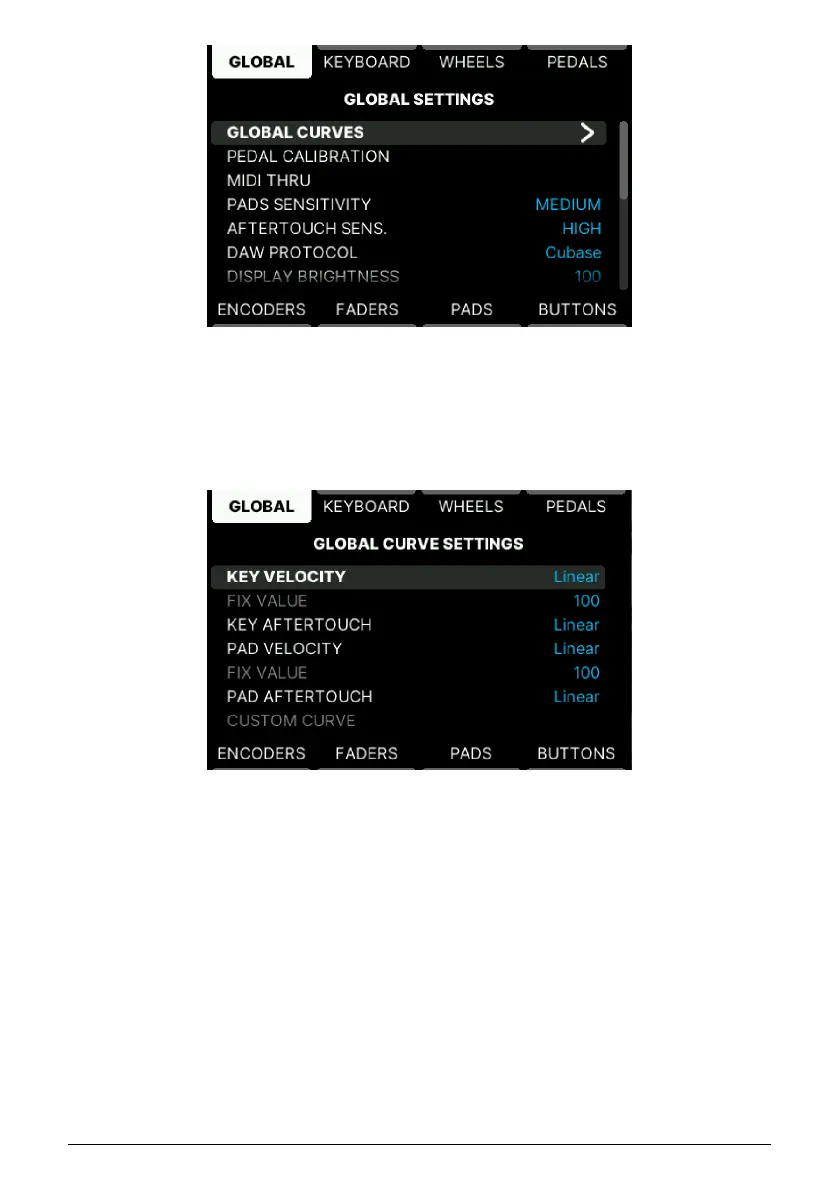
You can reach this page by pressing the Settings button and then selecting Global.
5.4.1.1. Global Curves
Global Curves offers Velocity and Aftertouch editing for Keyboard and Pads.
Press the Main Encoder to select Key Velocity. There are 5 different curves:
• Linear: Playing a key softly sends out a low velocity value, play harder and
KeyLab mk3 will output higher velocity. "What you play is what you get".
• Logarithmic: Going from soft to a little louder results in a much louder sound. This
curves rises fast and flattens out at higher velocities.
• Exponential: The opposite of logarithmic. An exponential curve changes slowly at
first, but then the rate of change speeds up.
• Fixed: No velocity sensitivity at all. Set the fixed value in the row below.
• Custom: You can freely edit the velocity response in the Custom Editor at the
bottom of this page. Want to try some inverted velocity?
49 Arturia - User Manual KeyLab mk3 - User Program



 To Next Page