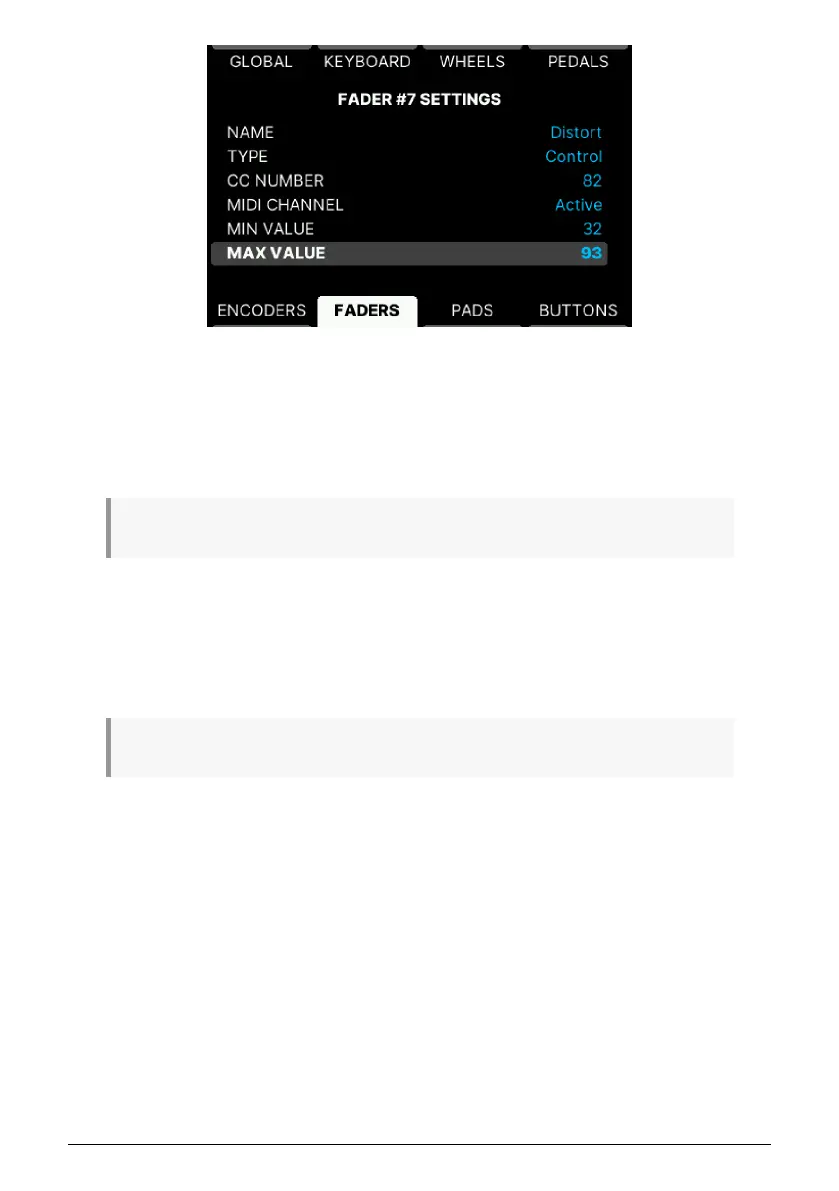
• Name: Give this Fader a suitable name.
• Type: Off, Control, or RPN/NRPN.
• CC Number/Option: Depending on if the previous entry is set to CC Number or
RPN/NRPN, you can set MIDI Control Change number or select RPN or NRPN
here.
♪ RPN and NRPN are explained here [p.56].
• MIDI Channel: Set MIDI channel.
• Min/Max Value: When Type is Control, you can set the MIDI CC range here.
or
• MSB/LSB: When Type is RPN/NRPN, you can set LSB and MSB values here.
♪ LSB and MSB are explained here [p.57].
63 Arturia - User Manual KeyLab mk3 - User Program



 To Next Page