1-1
Chapter 1.
Quick Start
This section gives a quick visual overview of all the major features of the
AsantéHub. It illustrates the front and rear panels of the AsantéHub and
describes each feature in detail.
Quick View
The following is a brief overview of your hub.
• Front panel: Reset button, LEDs, and modular 10BaseT ports
• Rear Panel: Telco 50-pin (RJ-21)10BaseT port, network ports,
network management ports and switches, LEDs, and fan and
power
• AsantéHub Basics: Factory Default Settings, Using the
3-In-1 Uplink, the Reset function, and Hub ID
Front Panel - Quick View of Your Network
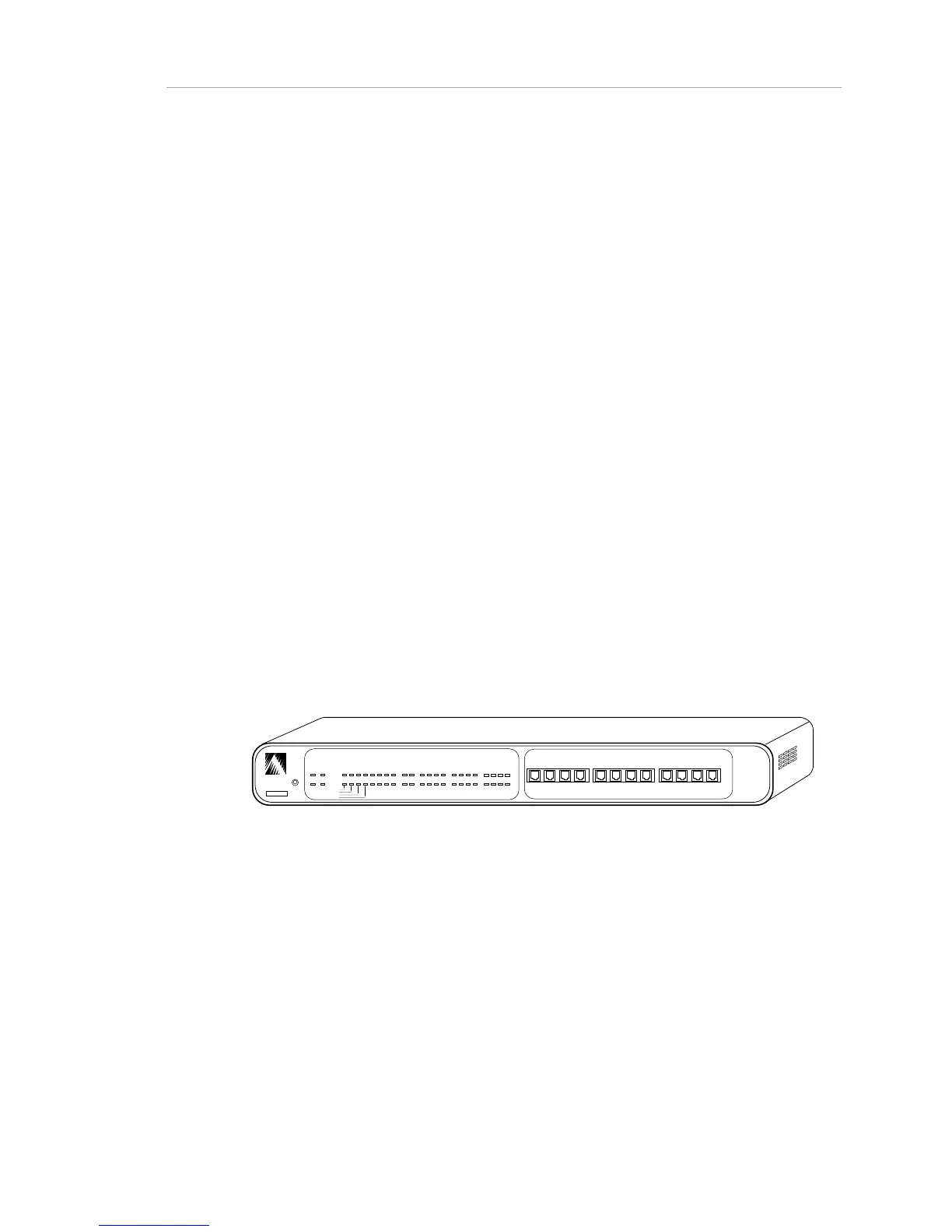
The status LEDs and the twelve modular 10BaseT ports of the AsantéHub
1012 are located on the front panel (Figure 1-1).
ASANTE
RESET
PWR CPU
NMP MSG
UTILIZATION
%
1 3 5 10 20 30 50 65+
COLLISION
%
1 3 5 10+
1 2 3
4
5 6 7
8
9 10 11 12
PARTITION
LINK/RECEIVE
SNMP
UPLINK
1 2 3
4
5 6 7
8
9 10 11
12
10BASE-T PORTS
AsantéHub 1012
Figure 1-1. Front Panel
The left side of the front panel contains the reset button and the LED status
indicators, as illustrated on the following page.



 To Next Page