Quick Start
1-31
Step 8. Connections for AsantéView
Management System (AMS) Link With Multiple
Hubs (Out-of-Band Network Management)
If you have more than one hub in your network, use this section to install the
AMS link. This dedicated link interconnects hubs for out-of-band network
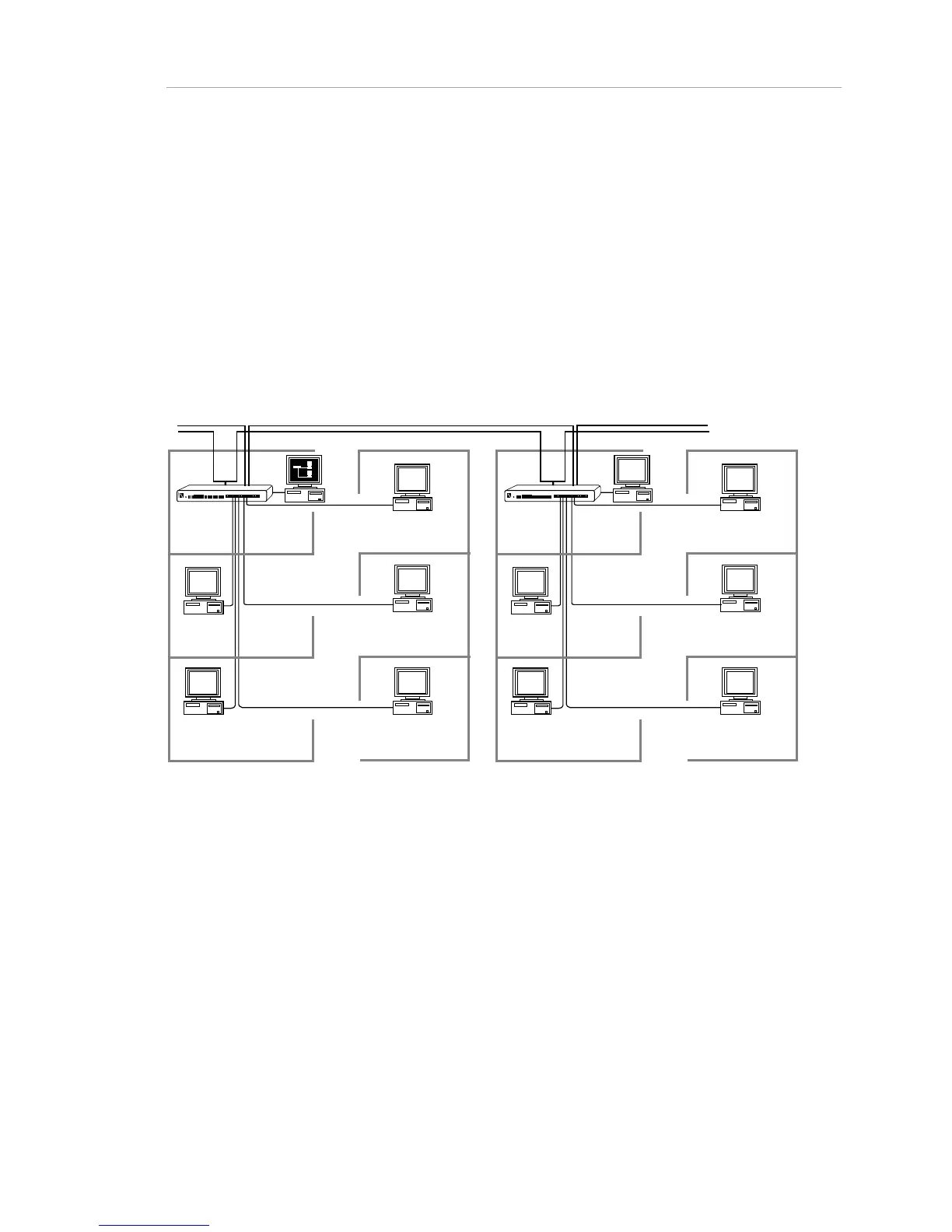
management in AsantéView. A backbone network with AMS Link and
AsantéView is shown below. The network management station runs
AsantéView as an application and does not have to be dedicated to
managing the AsantéHub network.
Figur
e 1-22. Backbone network with AMS Link and AsantéView
What You Need
You need a straight-through RJ-45 extension cable for each AMS Link
connection.
How to Do It
To install the AMS Link:



 To Next Page