Chapter 1
1-22
Step 6. Connecting the Network Management
Station (Out of Band)
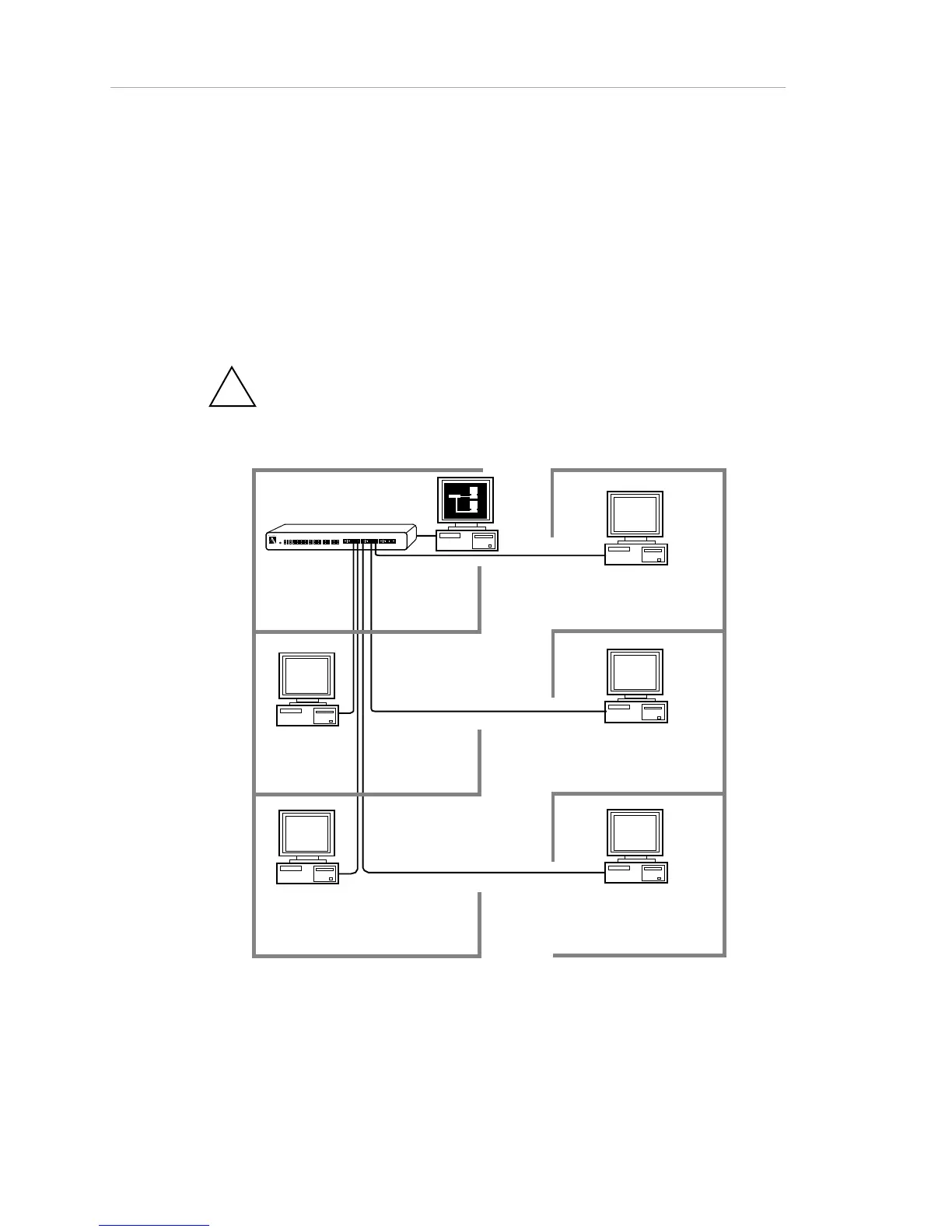
Now, connect the network management station that runs AsantéView. The
network management station is connected to a hub at the end of the AMS
Link. If you are installing a standlone hub, this step creates a departmental
network with network management, as illustrated below.
!
Note: For in-band network management connections, please refer
to Chapter 2. "Hardware Description."
Figure 1-14. Single-hub network with AsantéView



 To Next Page