Chapter 1
1-28
RJ21 10 BASE-T PORTS
IN or
OUT
AUI
PARTITION
TRAFFI C
RS232
RS485
12
THROUG
H
AMS LINK
UP=PC
DOWN=TE RMINAL
EN
D
3-IN-1 UPLINK
BNC
Spare Fuse in Fuse Holder
2A/250V Slow Blow Fuse
Replace Only With Fuse of Same Rating
RJ21 10 BASE-T PORTS
IN or
OUT
AUI
PARTITION
TRAFFI C
RS232
RS4 85
12
THROUG
H
AMS LINK
UP=PC
DOWN=TE RMINAL
EN
D
3-IN-1 UPLINK
BNC
Spare Fuse in Fuse Holder
2A/250V Slow Blow Fuse
Replace Only With Fuse of Same Rating
Terminator
RJ21 10 BASE-T PORTS
IN or
OUT
AUI
PARTITION
TRAFFI C
RS2 32
RS485
12
THROUG
H
AMS LINK
UP=PC
DOWN=TE RMINAL
EN
D
3-IN-1 UPLINK
BNC
Spare Fuse in Fuse Holder
2A/250V Slow Blow Fuse
Replace Only With Fuse of Same Rating
Terminator
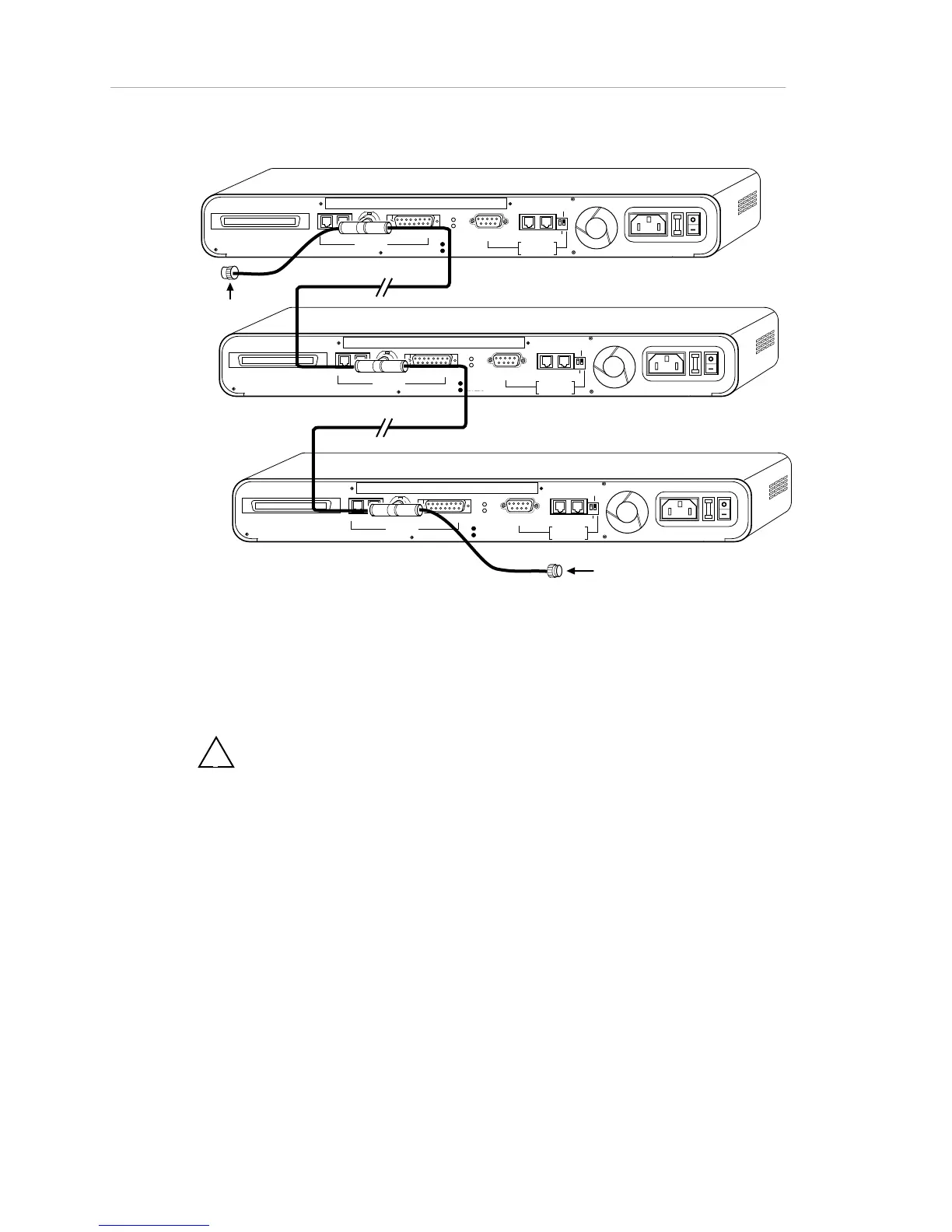
Figure 1-20. Network Connections - Thin Ethernet Backbone
The following figure shows the connection of a new hub to an existing
backbone. To minimize network disruption, follow the steps below.
!
Note: The terminator can be either on the end of the cable or on the T-
connector.



 To Next Page