Chapter 2
2-14
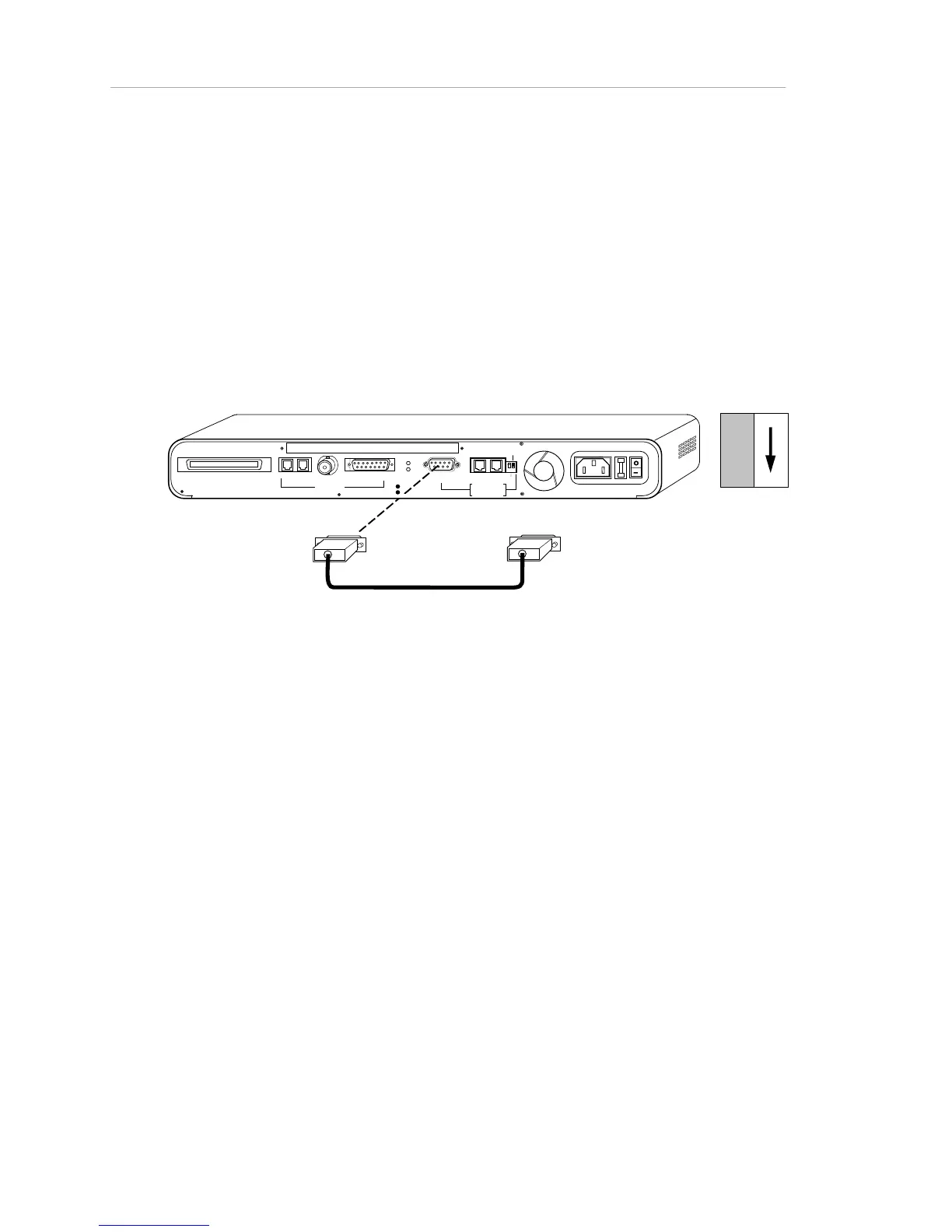
Cabling a Local Terminal/Emulator to the Hub
To connect a local terminal (or PC running Windows’ terminal emulation) to the
hub, use the rear panel RS-232 connector.
• Set the PC/Terminal switch to Terminal.
• The setting of the Through/End switch for AMS Link
termination is irrelevant to the terminal connection (though not
to the AMS Link connection, if any).
RS232 To Terminal
RS232
RJ21 10 BASE-T PORTS
IN or
OUT
AUI
PA RTI TI ON
TRAFFI C
RS23
2
RS48
5
12
THROUGH
AMS
LINK
UP=PC
DOWN=TE RMINAL
END
3-IN-1 UPLINK
BNC
Spare Fuse in Fuse Holder
2A/250V Slow Blow Fuse
Replace Only With Fuse of Same Rating
DIP Switches
Figure 2-8. Local Terminal Connection to Hub
Cabling the Network Management station, or a Modem,
to the Hub (out-of-Band)
To connect a PC network management station (or modem) to the hub for out-of-
band network management, use the RS-232 port or either of the rear panel AMS
Link ports.
• If you use the AMS Link port, the Through/End switch must be
set to "Through" if you have multiple hubs, since both AMS
Link ports will be occupied (the other port occupied by the
AMS Link to the next hub). The Through/End switch must be
set to "End" if you are using only one Hub (or if you are not
using the AMS Link at all). The PC/terminal switch setting is
irrelevant. The network management station can be placed
only at the end of the AMS Link daisy-chain.



 To Next Page