Quick Start
1-25
3. Power up the network management station.
To PC Comm Port
RS232
RS232
RJ21 10 BASE-T PORTS
IN or
OUT
AU
I
PARTITION
TRAFFIC
RS232
RS485
12
THROUGH
AMS LINK
UP=PC
DOWN=TERMINAL
END
3-IN-1
UPLINK
BNC
Spare Fuse in Fuse Holder
2A/250V Slow Blow Fuse
Replace Only With Fuse of Same Rating
DIP Switches
RJ21 10 BASE-T PORTS
IN or
OUT
AU
I
PARTITION
TRAFFIC
RS232
RS485
12
THROUGH
AMS LINK
UP=PC
DOWN=TERMINAL
END
3-IN-1
UPLINK
BNC
Spare Fuse in Fuse Holder
2A/250V Slow Blow Fuse
Replace Only With Fuse of Same Rating
To PC Comm Port
RJ45
DIP Switches
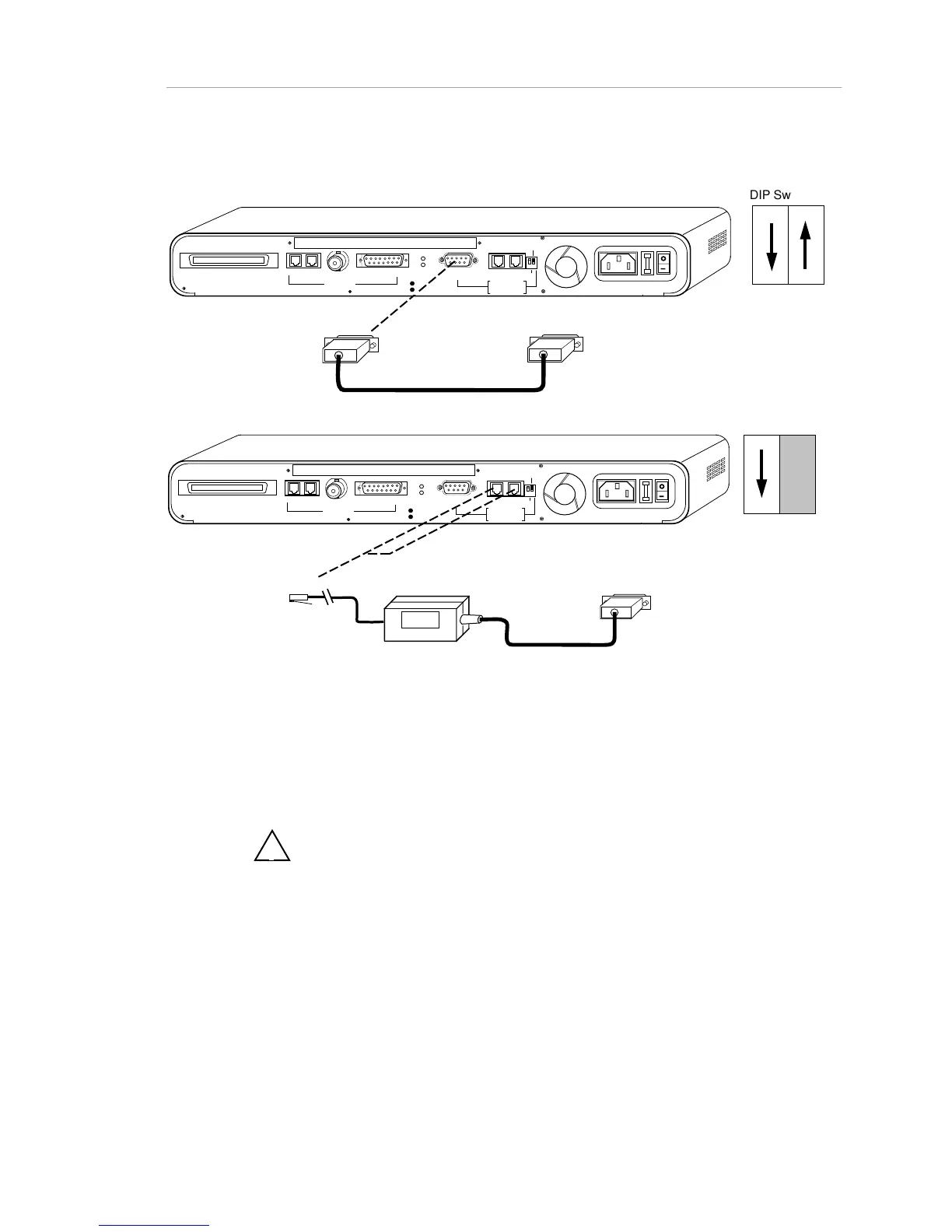
Note: To cable a PC, use a straight-through cable. To cable a modem,
use a null modem (crossover) cable.
RS232
LINK EXTENDER (PC)
ASANTE DB9 to DB9 SERIAL CABLE
Figure 1-17. Out-of-Band AMS (AsantéView Management System ) Link Connections to PC and
Hub
!
Note: Link extender cable and DB-9 serial cable is included with
AsantéView Out-of-Band, and In-Band, software respectively. If the serial port
on your PC is a 25 pin connector you will need to purchase a 25 pin to 9 pin
converter.



 To Next Page