5252
5252
52
20323163en_ba_a0
Additional settings
Assigning additional users (MSN)Assigning additional users (MSN)
Assigning additional users (MSN)Assigning additional users (MSN)
Assigning additional users (MSN)
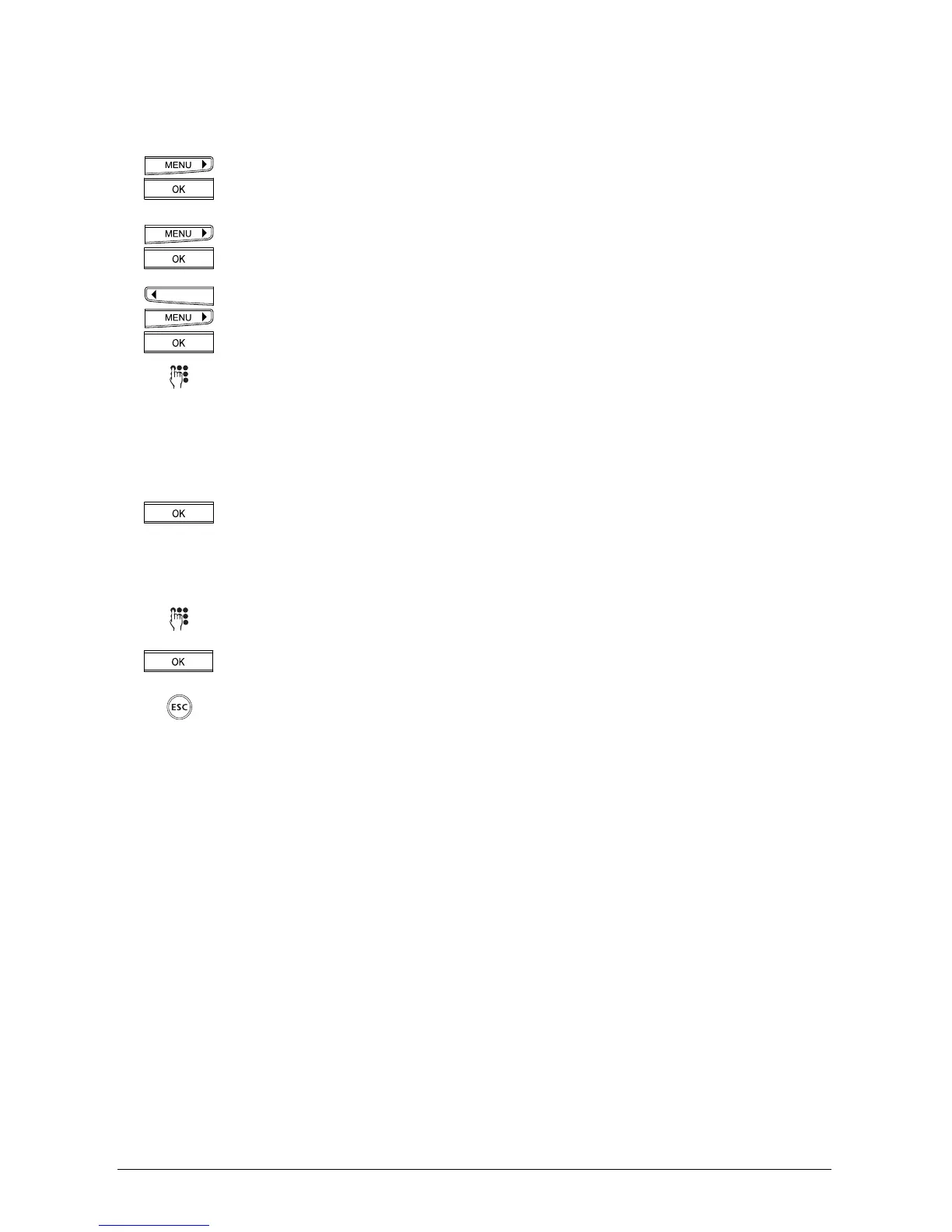
Press the menu key repeatedly until »Installation« is displayed.
Press the OK key to confirm.
Press the menu key repeatedly until »Set MSN« is displayed.
Press the OK key to confirm. »MSN A« is displayed.
You can use the arrow keys to scroll between the three possible MSNs (A, B or
C). Select the MSN and press OK to confirm.
Using the keypad, enter one of the MSNs assigned to you by your network
provider. Enter the number with prefix. If you have entered a number
incorrectly, press the left arrow key (<) until the cursor position reaches the
error.
Enter the correct number to overwrite the incorrect one and press the right
arrow key (>) until you reach the end of your entry.
Press the OK key. The display shows »Name_« with the entered number. The
phone is now in text mode. If you do not want to enter a name, the current
display remains until you press the OK key.
Or…
You can enter the user’s name.
Press the OK key to confirm.
If you wish to exit the menu, hold down the ESCAPE key.



 To Next Page