5353
5353
53
20323163en_ba_a0
Additional settings
Deleting an MSN (user)Deleting an MSN (user)
Deleting an MSN (user)Deleting an MSN (user)
Deleting an MSN (user)
You can delete any of the set users.
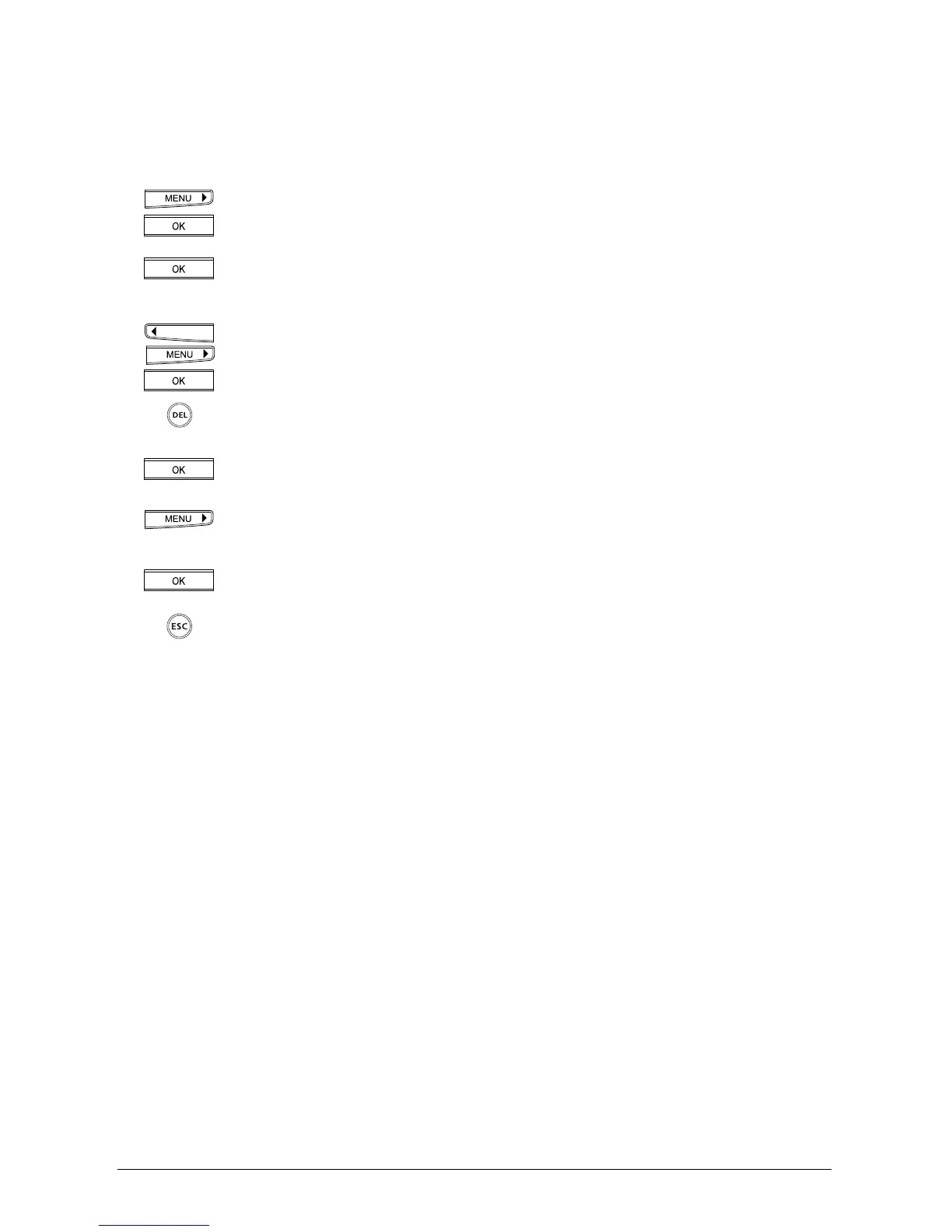
Press the menu key repeatedly until »Installation« is displayed.
Press the OK key to confirm.
»Set MSN« is displayed.
Press the OK key to confirm. »MSN A« is displayed.
You can use the arrow keys to scroll between the three possible MSNs (A, B or
C). Select the MSN and press OK to confirm.
The Multiple Subscriber Number is displayed.
Press the delete key repeatedly until the number is deleted.
Press the OK key.
»Delete user« is displayed.
Use the arrow key to switch to »Yes«.
Press the OK key to confirm.
If you wish to exit the menu, hold down the ESCAPE key.



 To Next Page