5656
5656
56
20323163en_ba_a0
Additional settings
Changing speed dial key settingsChanging speed dial key settings
Changing speed dial key settingsChanging speed dial key settings
Changing speed dial key settings
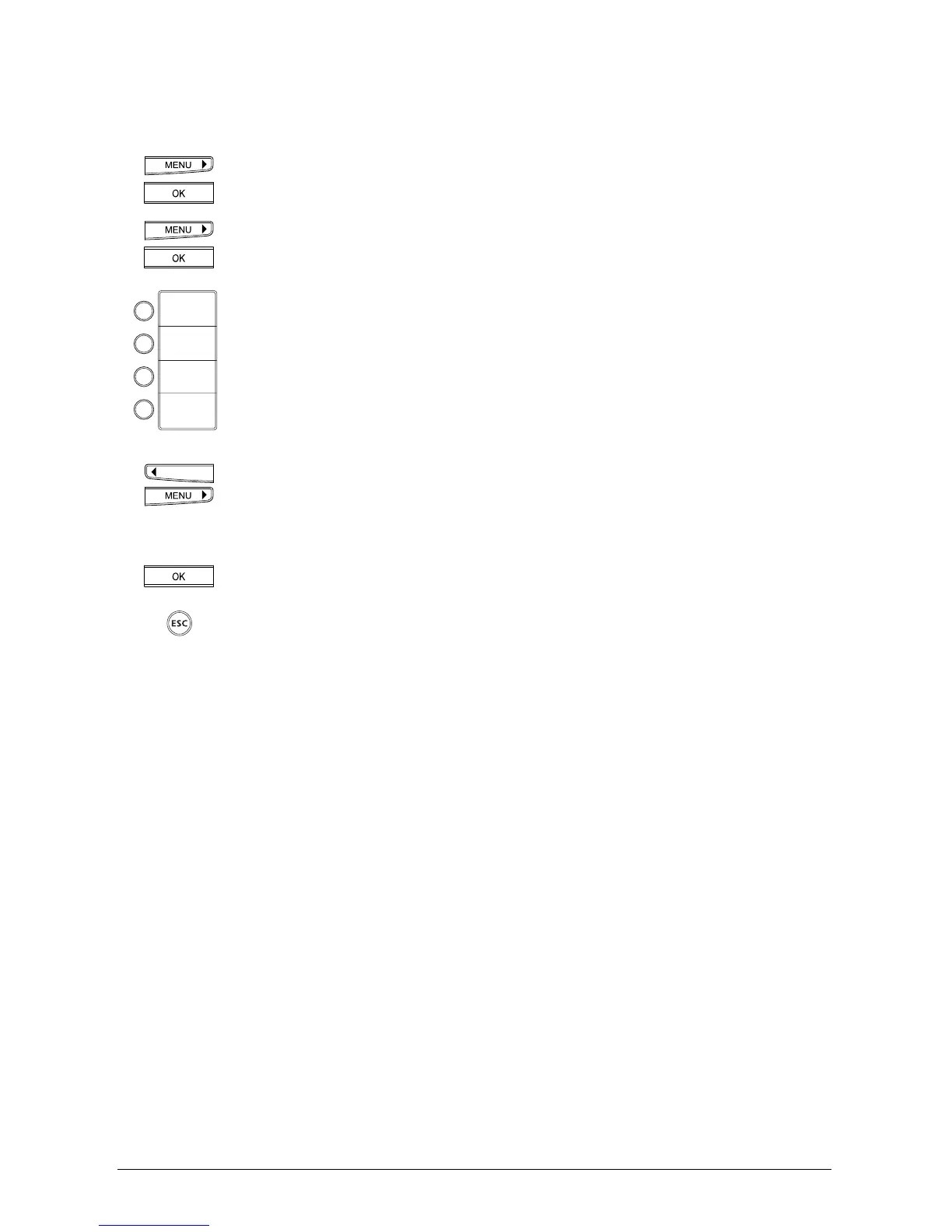
Press the menu key repeatedly until »Installation« is displayed.
Press the OK key to confirm.
Press the menu key repeatedly until »Speed dial« is displayed.
Press the OK key to confirm.
Press the relevant speed dial key briefly to change the first number or function
under this key.
Press twice to change the second number or function.
The display shows »M« with the key number.
Change the speed dial number (or function/service):
Use the arrow keys (<) and (>) to move to the numbers to be changed and
overwrite them.
You can delete backwards using the delete key (C).
Press the OK key to confirm.
If you wish to exit the menu, hold down the ESCAPE key.



 To Next Page