4 Operation
28 STERRAD VELOCITY Reader User’s Guide
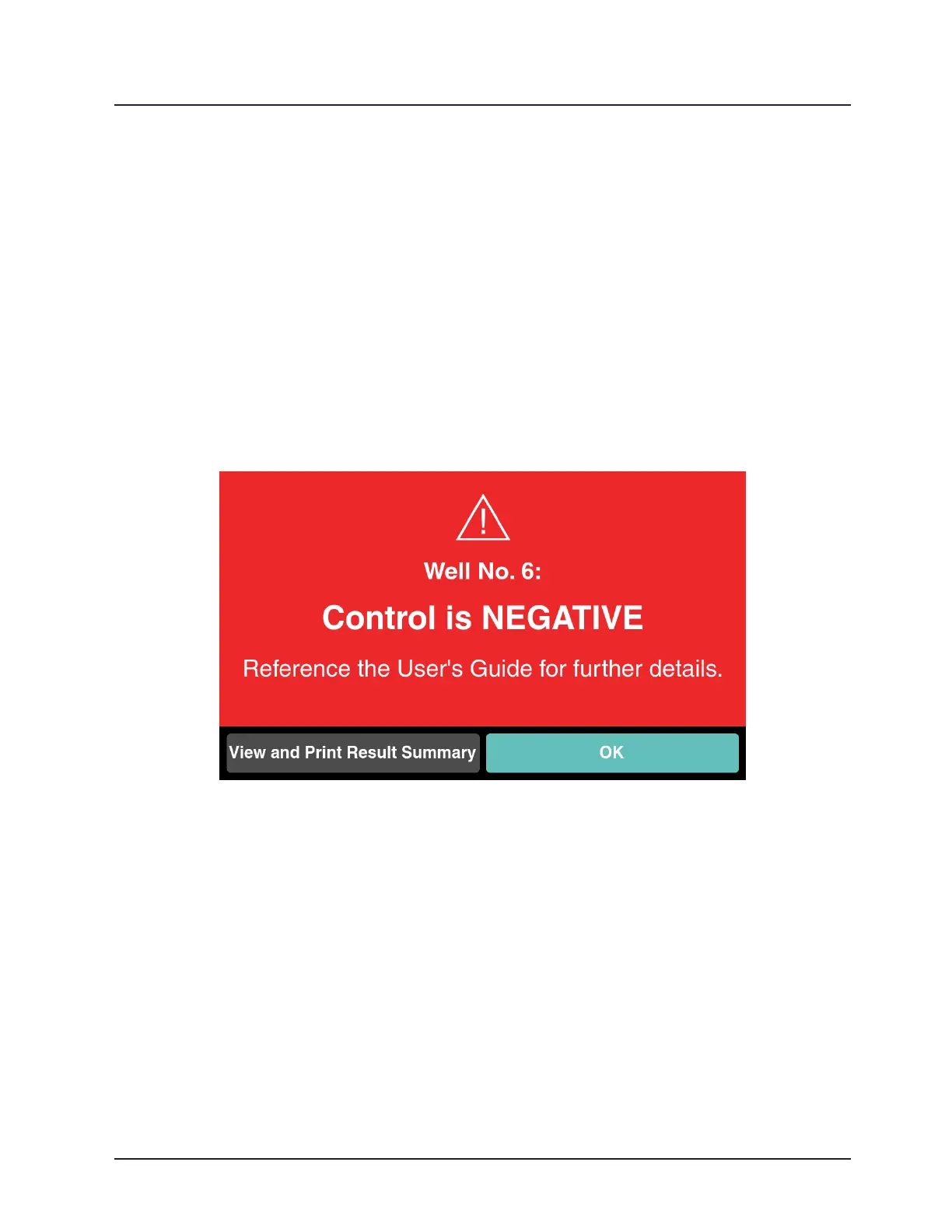
9 Note: If the second positive control BI result is negative:
1. Consult the “Troubleshooting” section (Chapter 8) of the User’s Guide.
2. Contact Advanced Sterilization Products, Inc. (ASP).
The reader will ask for conrmation that the instructions are understood. Touch
Yes or remove the BI to continue to Result Conrmation. In Result Conrmation, view
the Result Summary by touching View and Print Result Summary. Touch OK or remove
the BI from the well to return to the Status Screen. Touching View and Print Result
Summary opens the Result Summary page. If a printer is connected to the reader, touch
Print on the lower left to print the Result Summary. Touch Add Note to leave notes
about this specic result. Touch Done or remove the BI to return to Result Conrmation.
Figure 22. Second Negative Result on a Positive Control
Optional Visual Interpretation of Results
The reader generates results based on uorescence only and DOES NOT read
the visual color results. Visual interpretation is optional and should only be used for
frequent monitoring when the reader is not available.



 To Next Page