Operation 4
STERRAD VELOCITY Reader User’s Guide 19
Adding a Test BI
A test BI is a BI which has been exposed to a STERRAD Sterilization Cycle. The
accuracy of the BI result has been veried up to two hours post sterilization processing.
The test BI must be activated and processed in the reader within two hours of
completing the sterilization cycle.
9 Note: As a precaution, when handling biological indicators that have been exposed
to hydrogen peroxide, please wear the appropriate PPE (chemical resistant latex,
PVC/vinyl, or nitrile gloves). Refer to the glove manufacturer’s instructions for use
for more information.
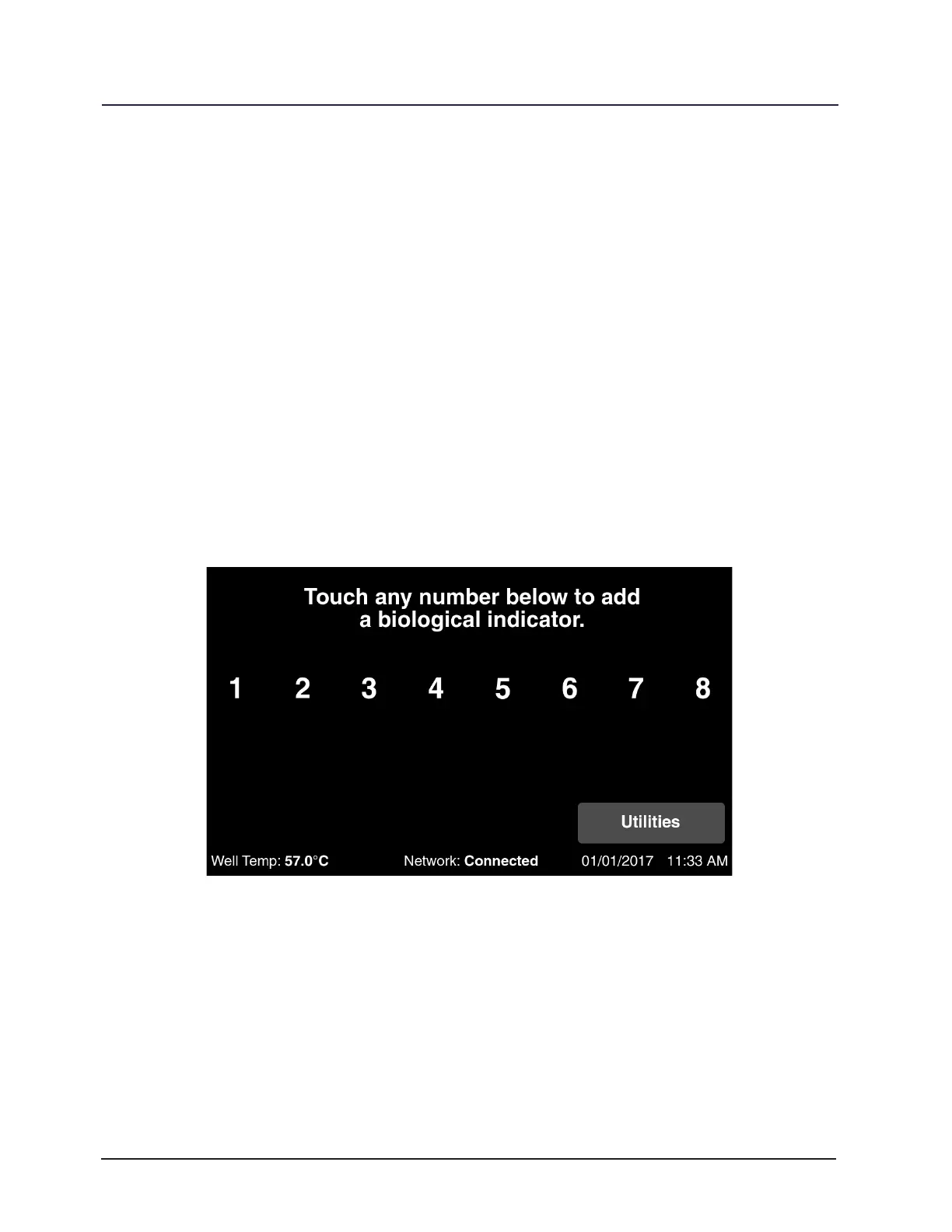
Touch an available well number or place the BI in an open well. The selected well
will then be used for reading. These steps can be repeated for any open well. Touch Test
to add a test BI to the well. Scan the barcode on the BI cap label with the congured
barcode scanner. The reader is also able to use a handheld barcode scanner attached
to a USB port.
Figure 10. Select a Well



 To Next Page