4 Operation
18 STERRAD VELOCITY Reader User’s Guide
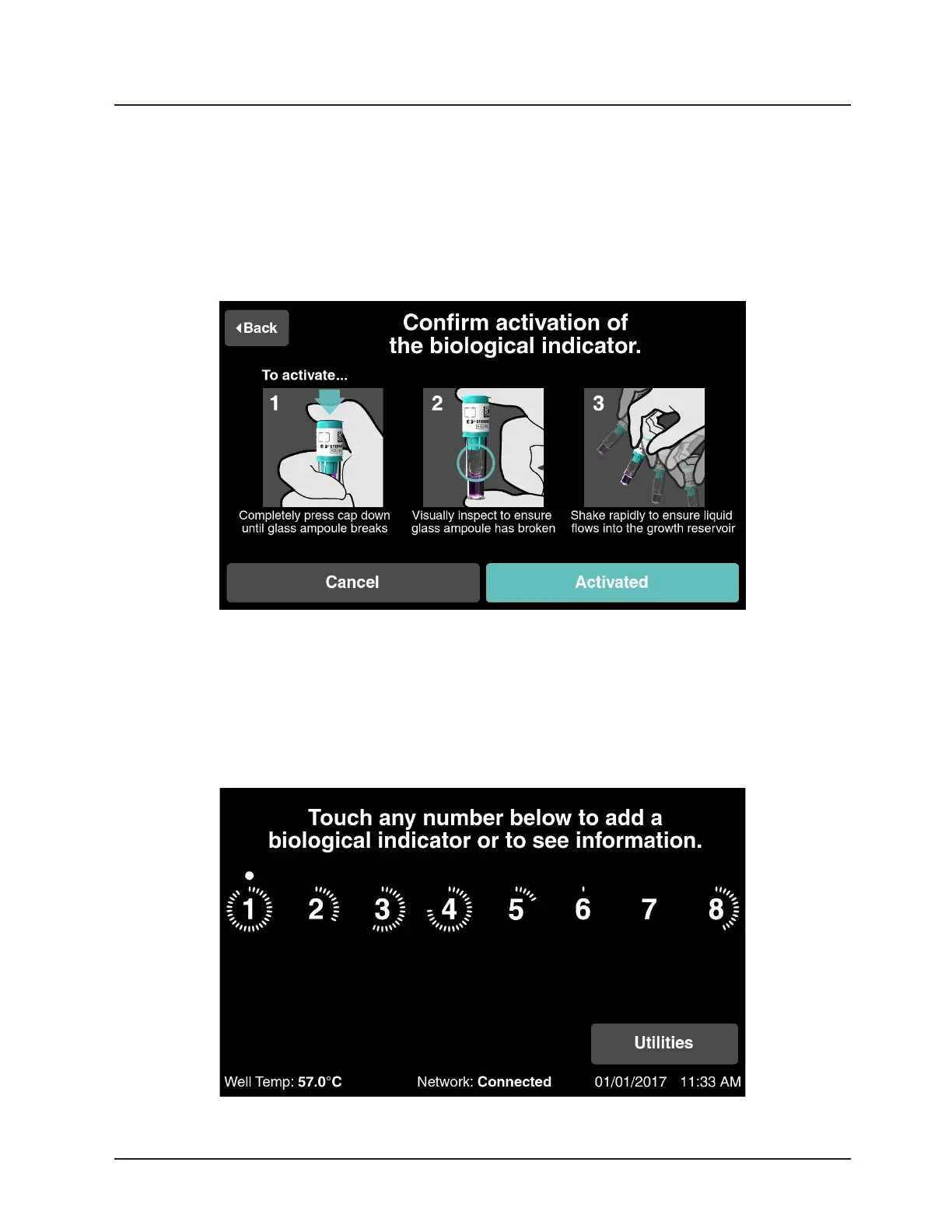
Follow the on-screen instructions to activate the BI (see illustrations below).
If using a STERRAD VELOCITY BI Activator (43250), follow the activation instructions
supplied with the Activator.
Touch Activated once complete.
Figure 8. Activate the BI
Place the BI in the selected well immediately after activation. An audible beep and
a brief teal circle on the well indicator number will conrm placement in the well. The
reader will detect that the BI has been placed in the well and will begin the countdown
until the result is displayed. The dot above the well number indicates it is a positive
control BI.
Figure 9. Place BI in Well



 To Next Page