E Appendix
70 STERRAD VELOCITY Reader User’s Guide
Administrator Setup
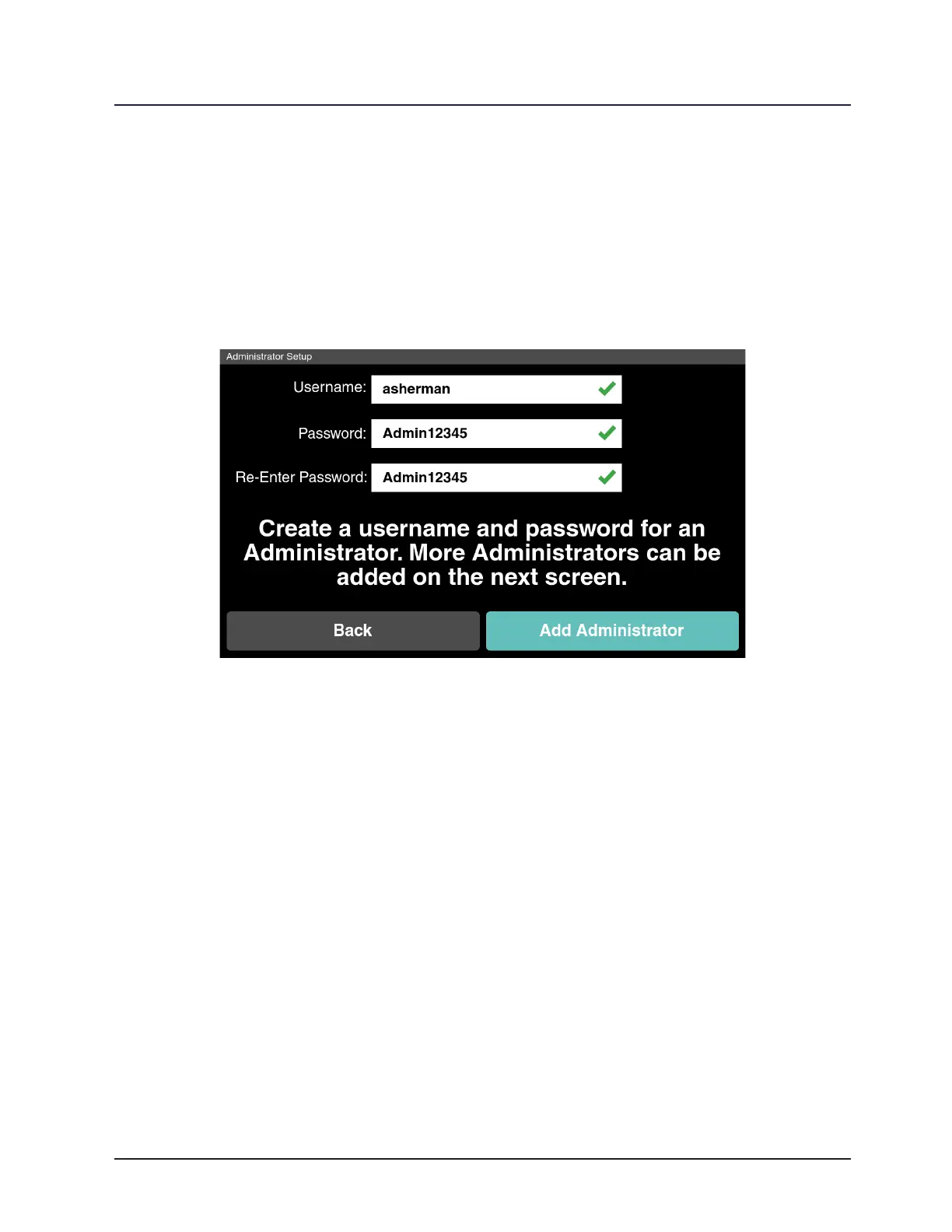
Administrator Setup allows management of administrator account privileges.
Select a eld to begin entering administrator account information. Selecting the eld
opens the touch screen keypad. Fill in the administrator account information and touch
Enter. Once the account information is complete touch Add Administrator to create the
administrator account. Touch Back to return to the previous screen.
Figure 30. Administrator Setup
Once the initial administrator account is created, add more administrator
accounts by touching Add New. Manage administrator accounts with Edit and Delete.
To modify the Username and Password of an existing account, touch the account and
touch Edit. Username shall be 2-12 alphanumeric characters. Password shall be 8-12
characters long and shall use at least 1 lowercase, 1 upper case and 1 number. Touch
Delete to remove the selected account. Touch Next to continue or touch Back to return
to the previous screen.



 To Next Page