Appendix E
STERRAD VELOCITY Reader User’s Guide 69
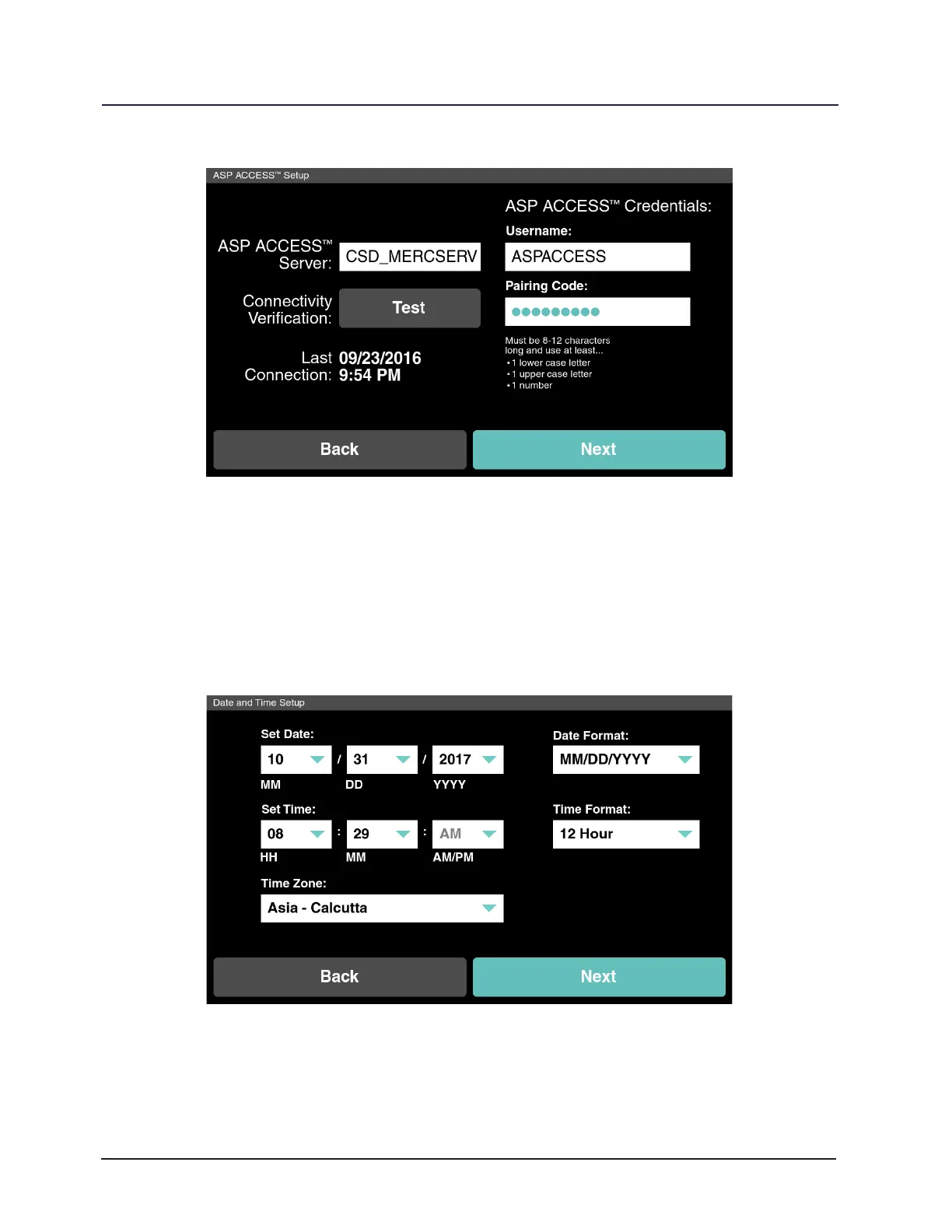
Figure 28. ASP ACCESS Setup
Date and Time Setup
Set the date, time, and time zone for the current geographic location. Choose the
date and time format to be displayed on the reader. Touch Back to go to the previous screen
or touch Next to continue. Ensure that the time is synchronized with associated Sterilizers.
Figure 29. Date and Time Setup



 To Next Page