Appendix E
STERRAD VELOCITY Reader User’s Guide 67
Appendix E.
First Time Setup
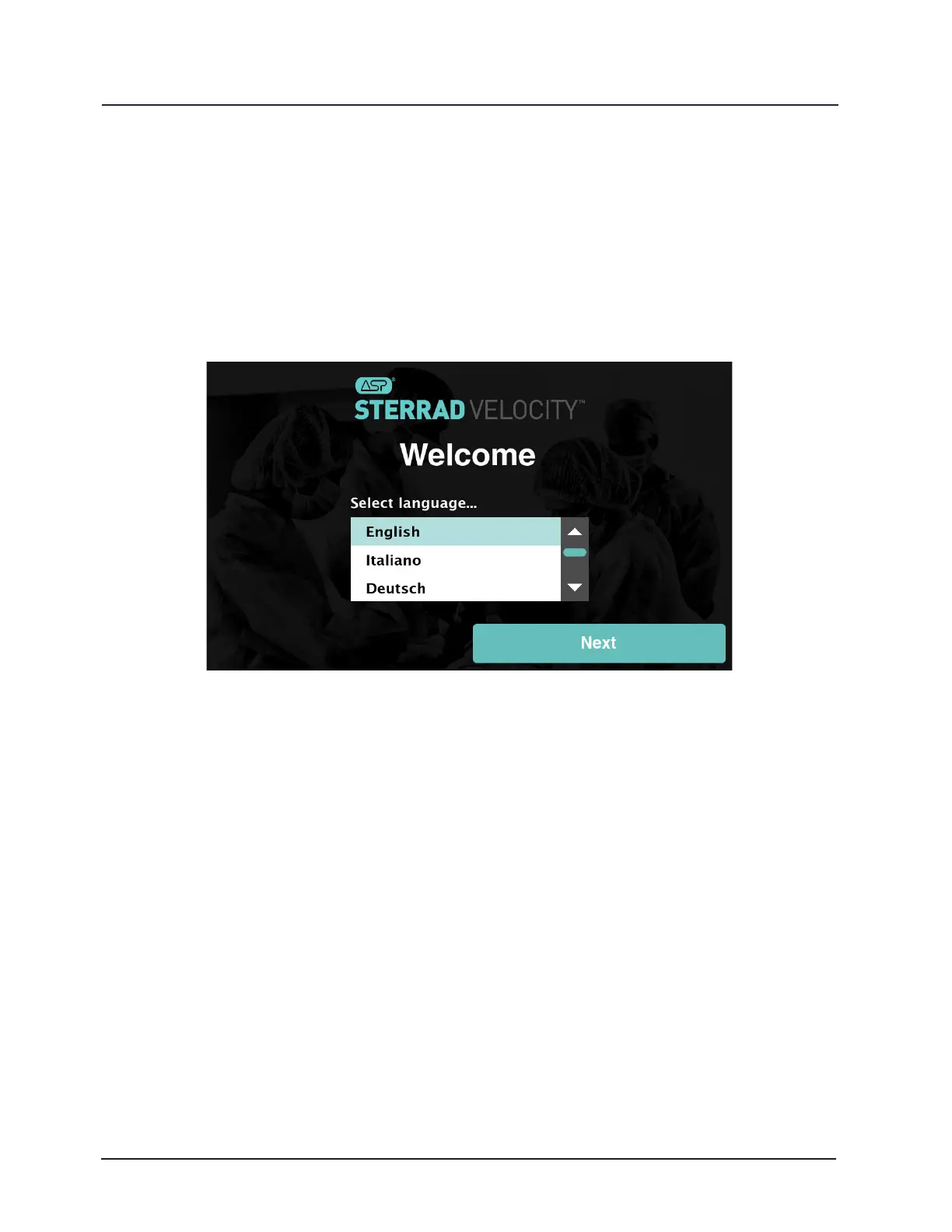
When the STERRAD VELOCITY Reader is rst powered on the user will receive a
Welcome screen. Select the language from the list and touch Next.
Figure 26. First Time Setup Welcome
Network Setup
Network setup should be performed by a trained ASP Representative. Touch Yes
and Next if connecting through a network; otherwise touch No and Next. If No is selected,
go to “Date and Time Setup” (Appendix F). Touch Back to go to the previous screen.
On the Network Setup screen select the mode for connecting to the network.
Auto will retrieve the network connection information from the network and Manual
will allow the user to enter the network connection information. Fill in the network
information either automatically or manually and then touch Test to verify that the
connection is working. The reader will show a loading screen with the message “One
Moment… Verifying Connection” while it is testing the network.
A successful network connection test will display a green circle with a check mark
and the message “Connection Veried”. If the network connection test is successful, the
user will be returned to the Network Setup screen. Touch Next to continue with the setup.



 To Next Page